April 21, 2026
·4 min readVisuals for Your Clothing Brand Using AI
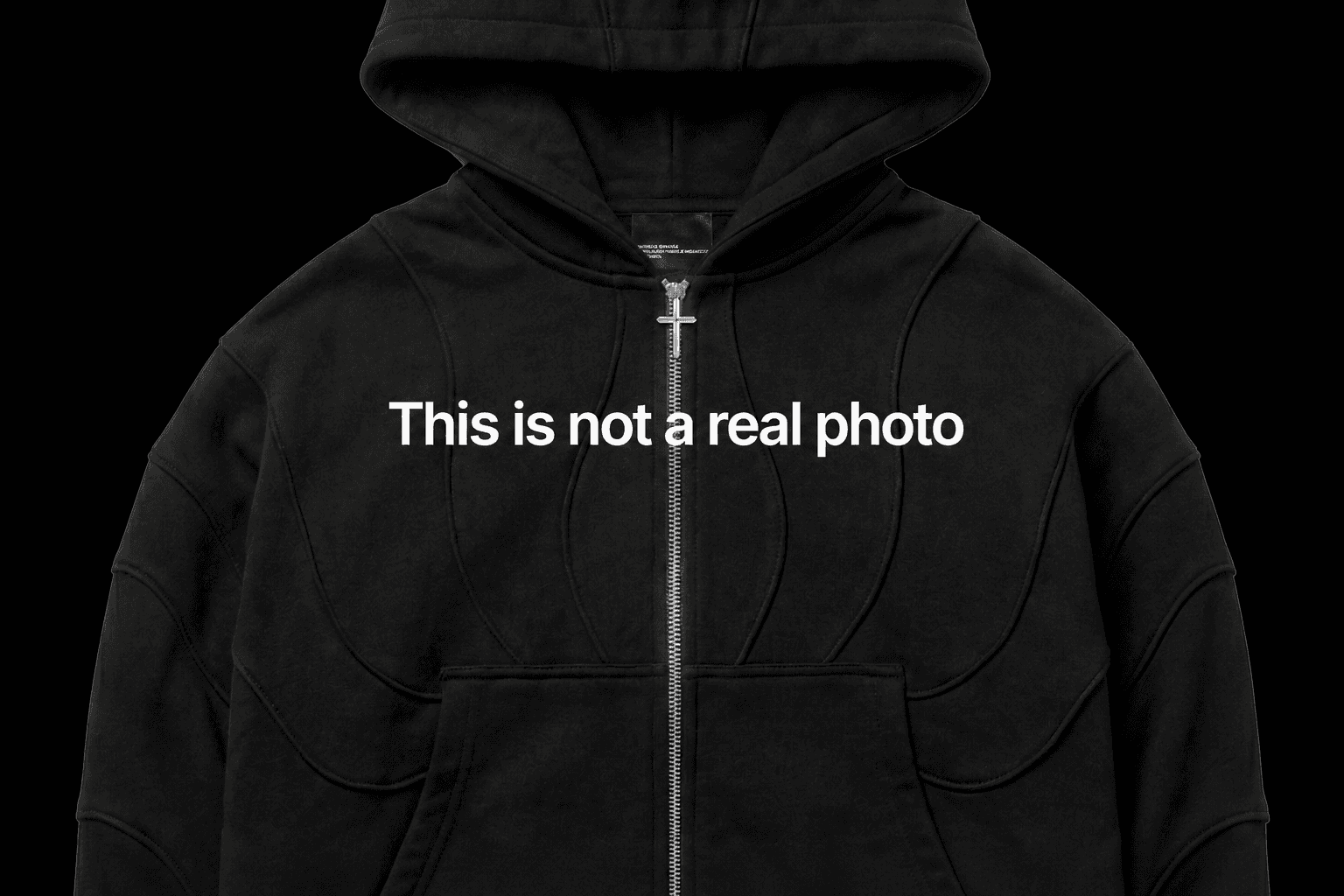
Today I'll walk you through, step by step, how to create a visual like this for your brand.
For generation I used Nano Banana Pro (google flow)
Generating/refining prompts in Gemini
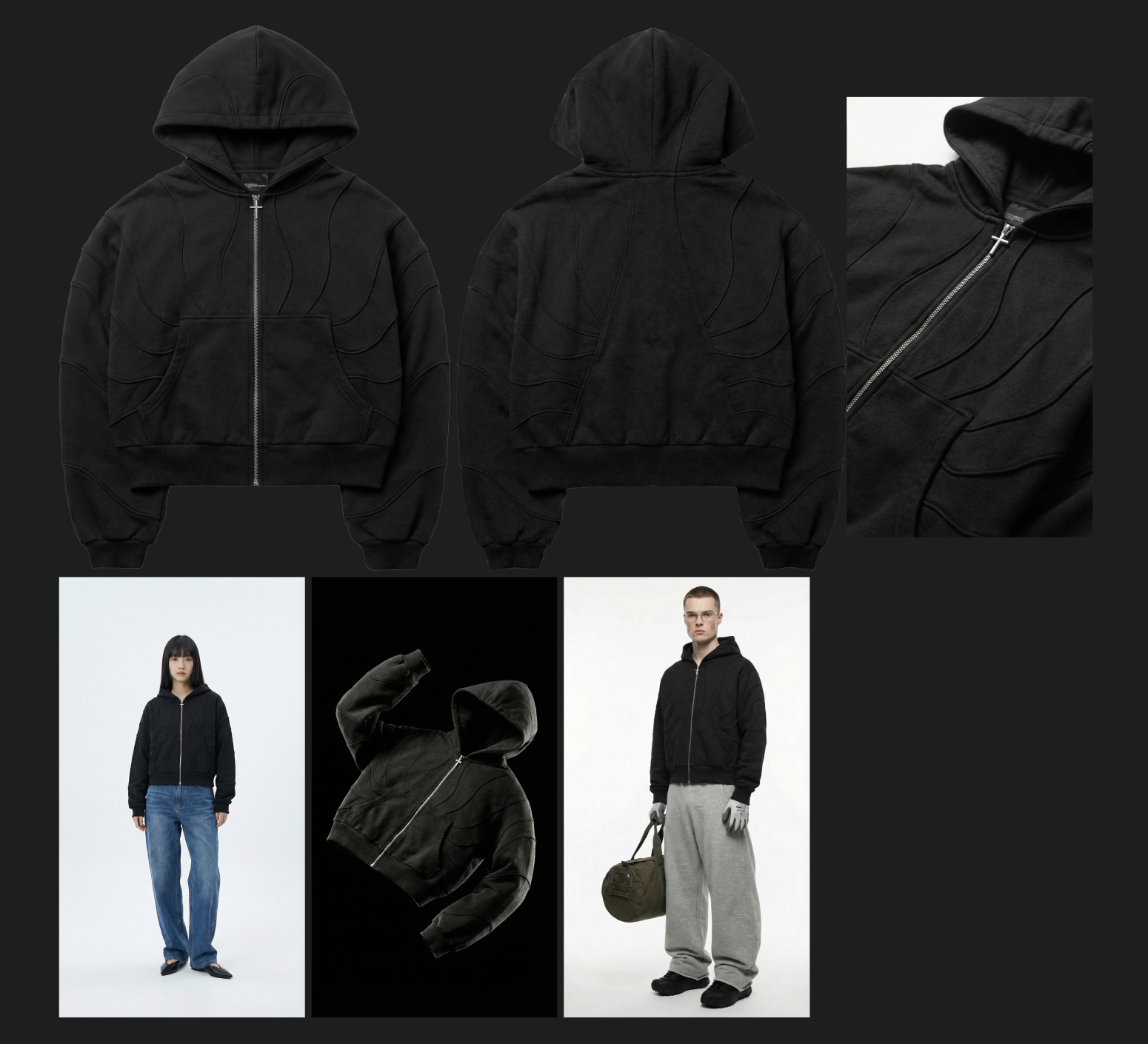
There isn't a single real photo here — creating the whole visual took about 30 minutes.
STEP 1. Creating the mockup
Without a mockup of your item you can't create a single photo. You could replace the mockup with a real photo, but why bother if everything can be done digitally?
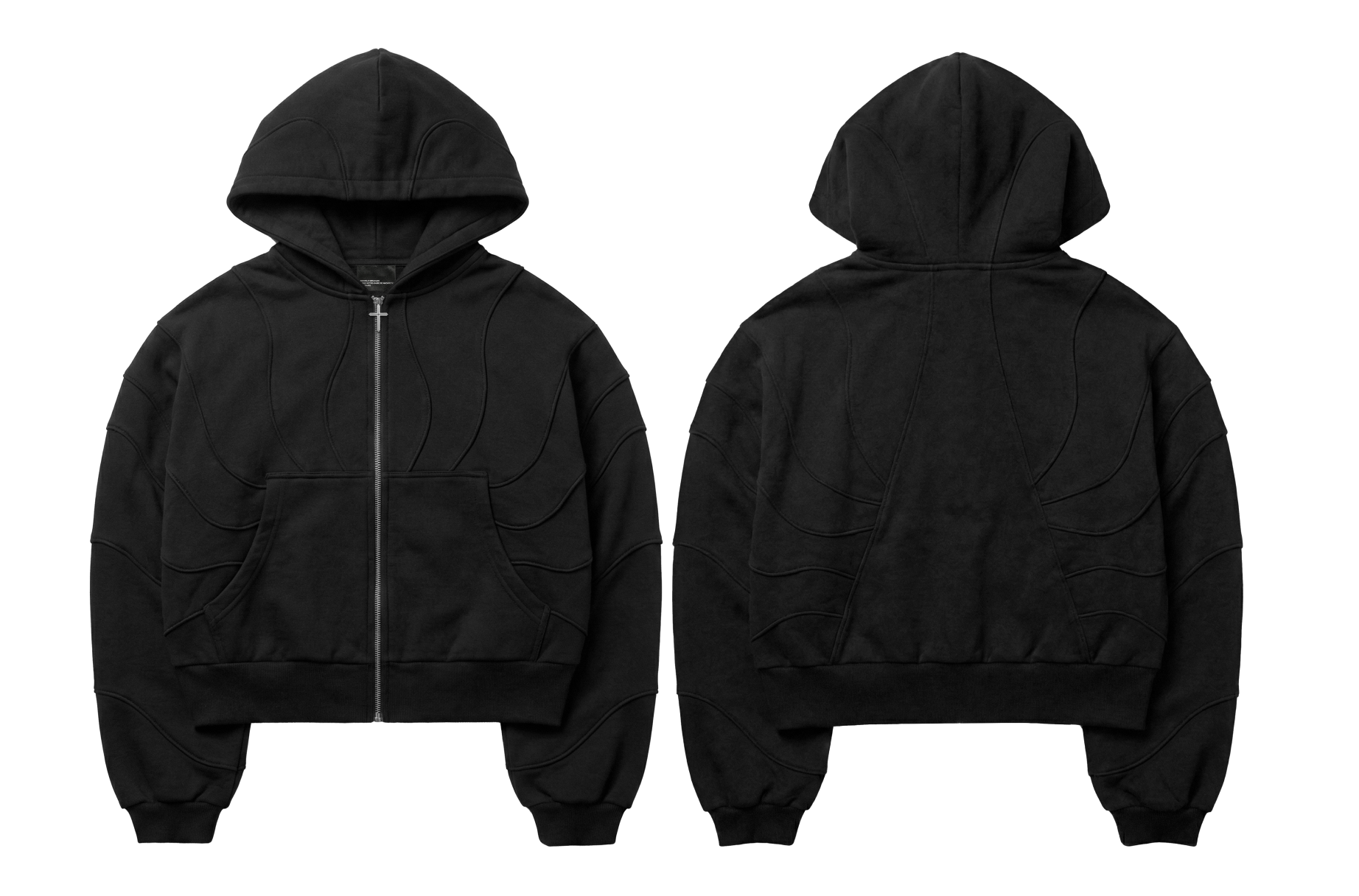
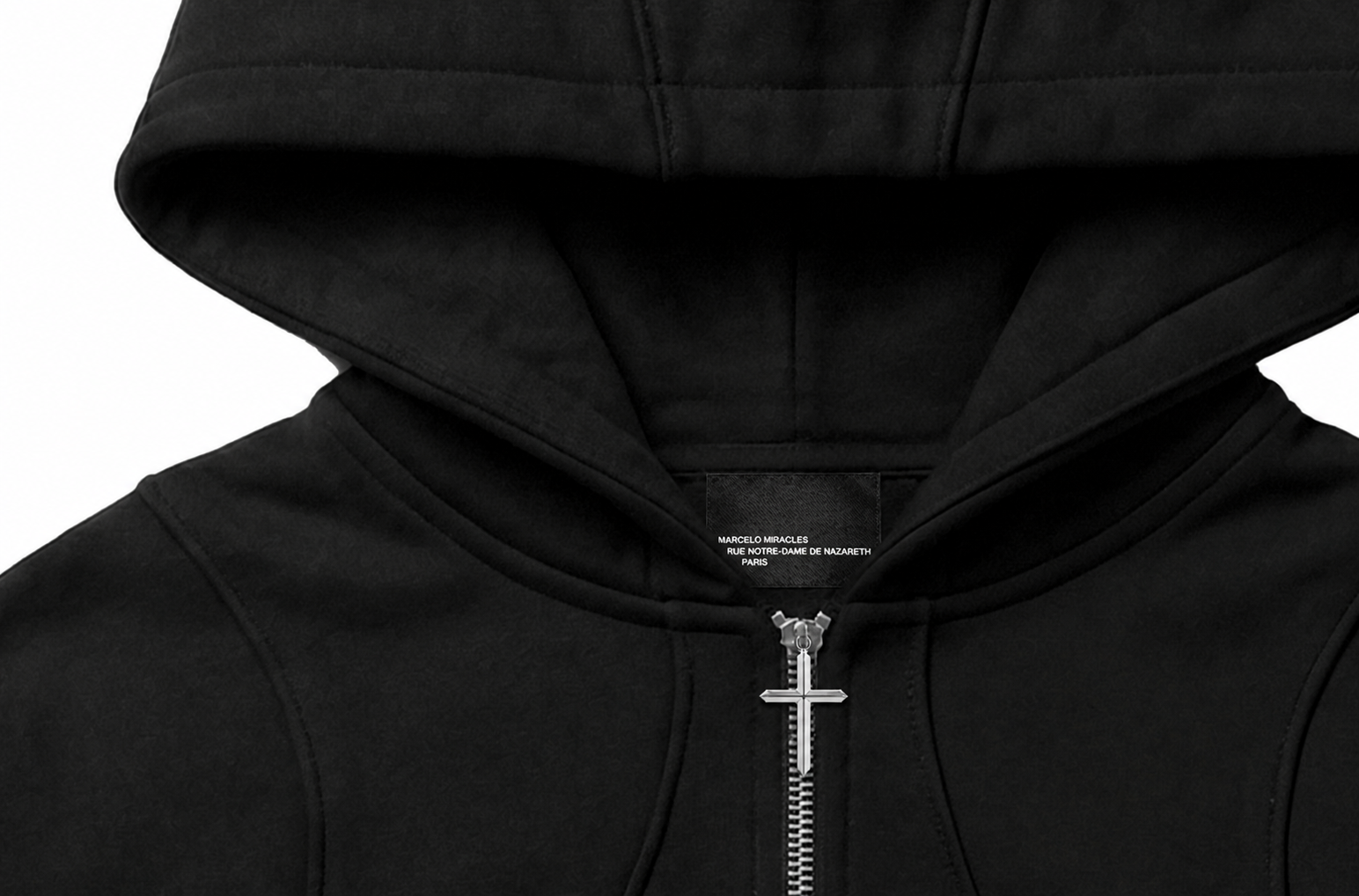
As you can see, the detail is insane.
There are two ways to get a quality mockup:
Use a ready-made one — for example, I have a library of 150 mockups like this in 4K. You can add your own print, tags, details, and so on.
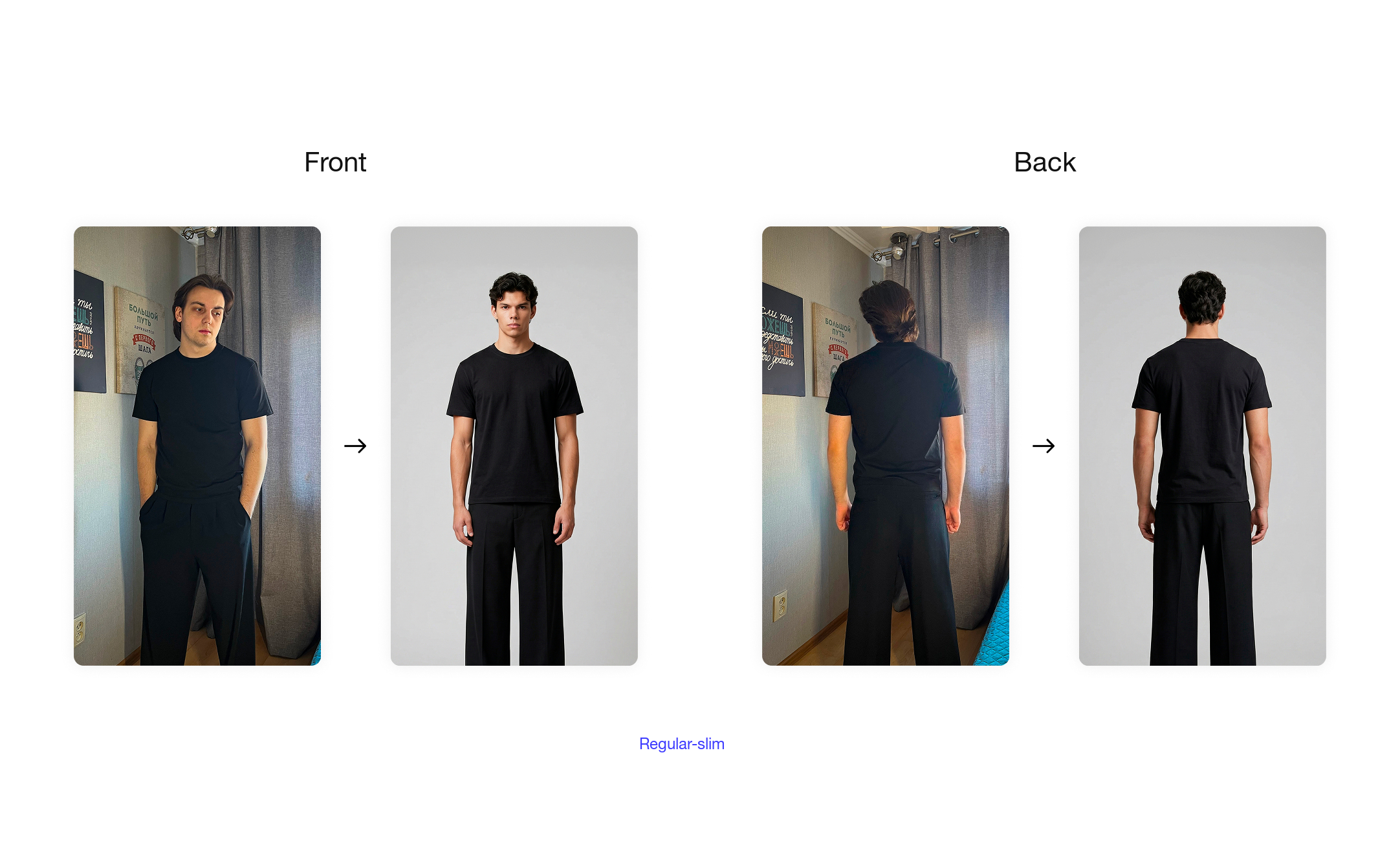
2. Create your own from scratch, like I did. If you have a complex garment, you won't find a ready-made mockup for it.
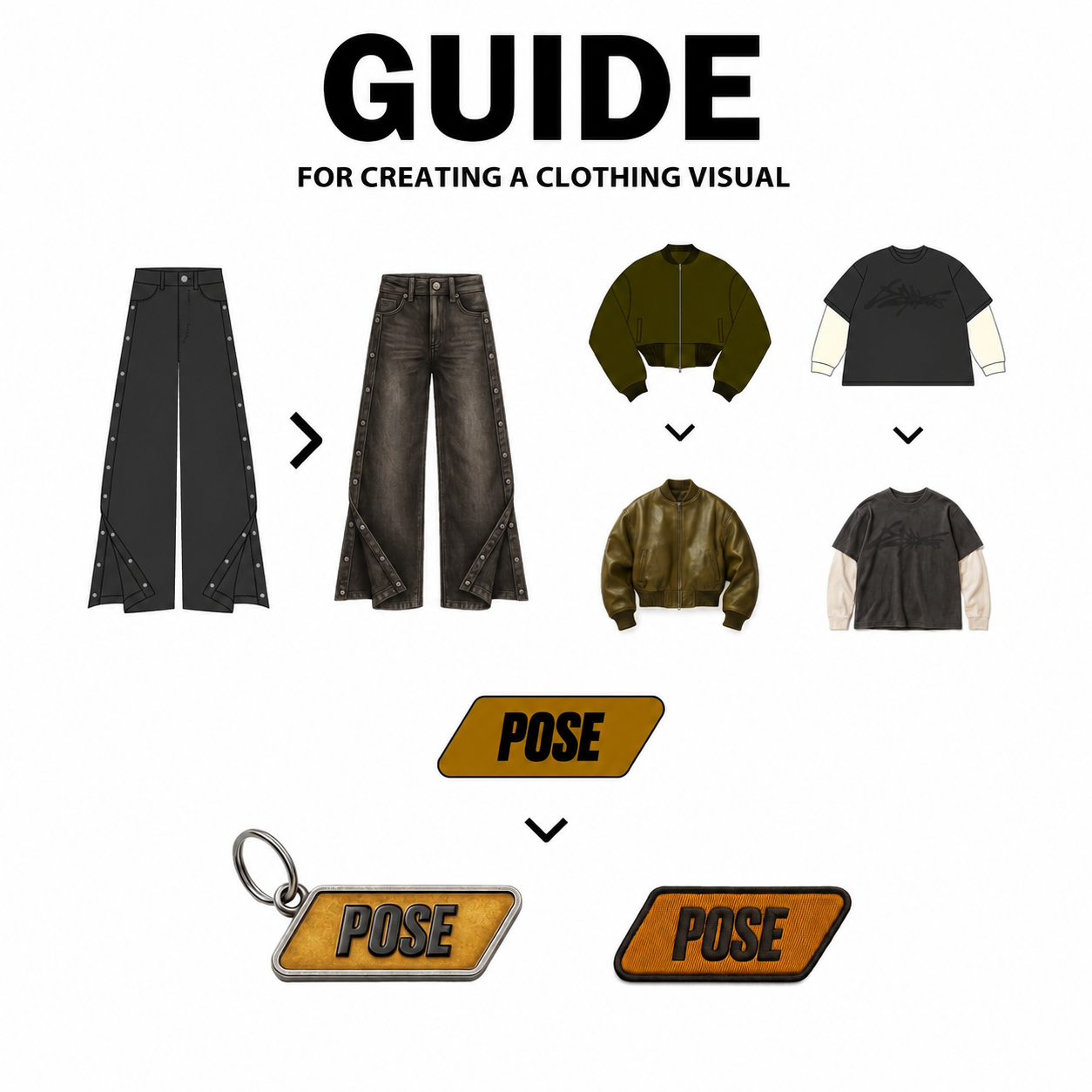
STEP 2. Creating photos with a model
I covered the AI photoshoot with a model in more detail here:
https://sudakov-ivan.com/guides/ii-fotosessiya-so-svoej-veshchyu-02-12
In short:
You either generate a model or use a real one
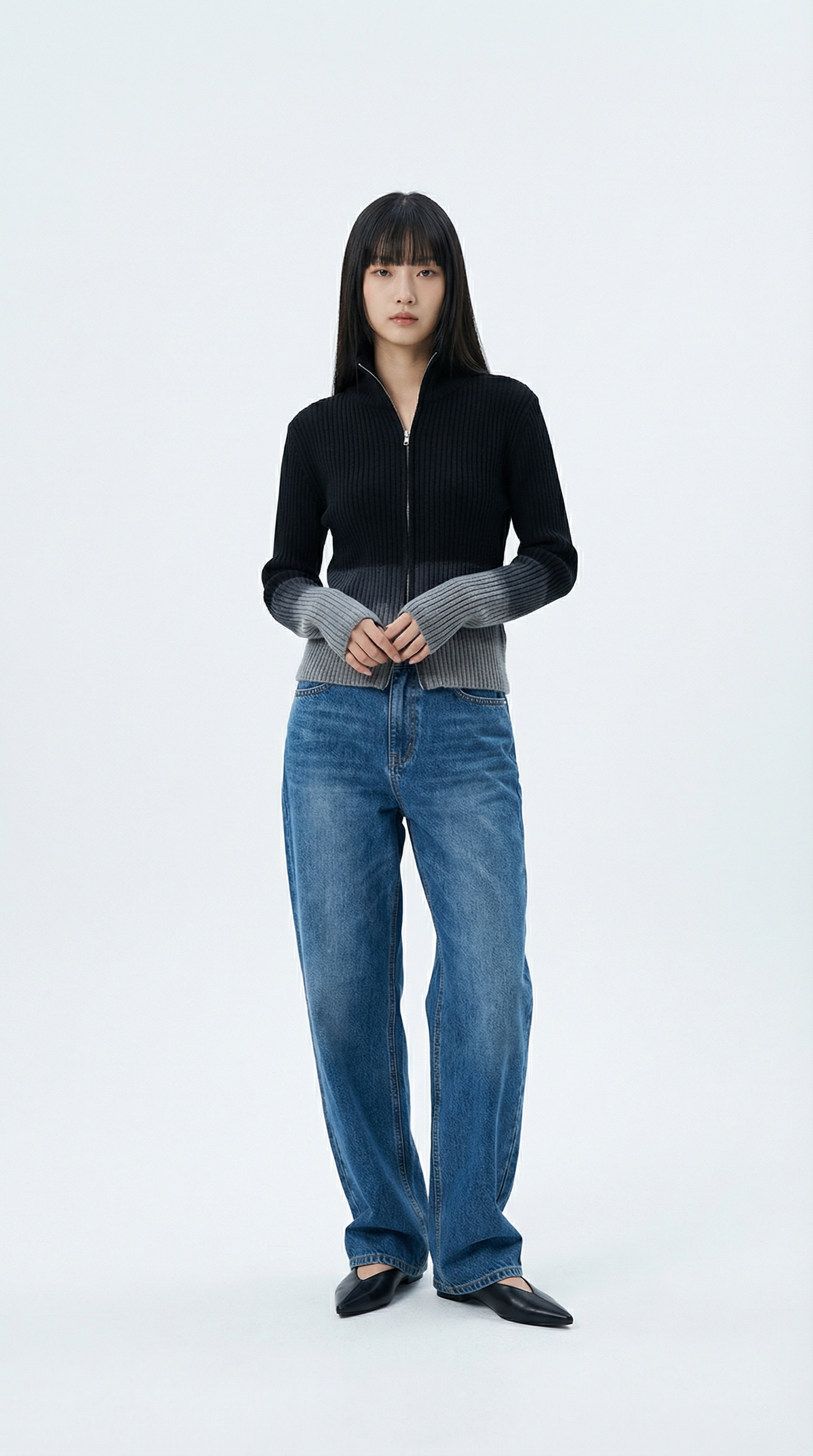
AI model
Female model with long straight dark hair and bangs, standing in a professional photography studio, clean white backdrop, soft studio lighting, neutral pose, wearing a black ribbed zip-up sweater with grey gradient on sleeves and hem, baggy blue jeans, black pointed shoes, full body shot, 4K resolution, commercial photography style, e-commerce ready.
You can attach a photo of the model you want, attach my prompt, and ask it to adapt the prompt to your model.
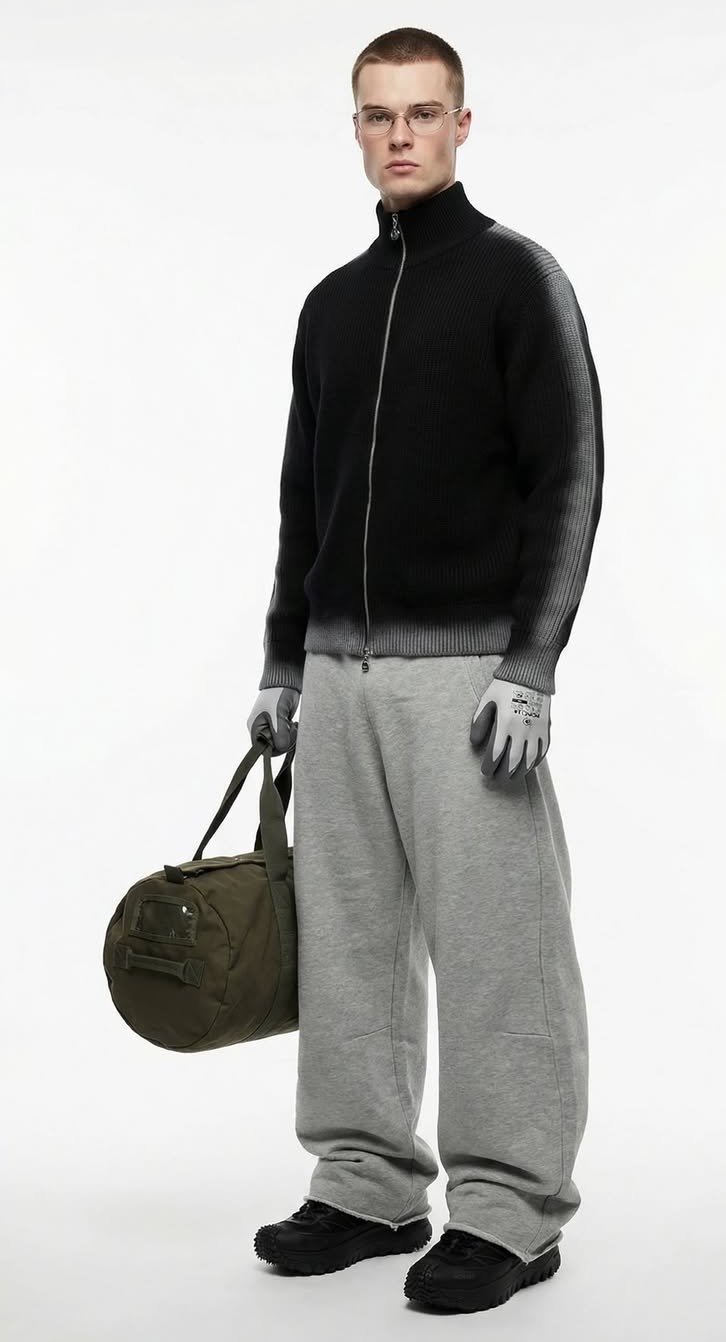
Real photo
Alternatively, you can also use a real model.
Create a system prompt
It's needed to generate prompts for specific shots of your model and your item.
---**SYSTEM PROMPT: POSE MATRIX**---**ROLE**You are a Studio Pose Director. You generate 8 distinct pose variations from ONE base studio reference while maintaining perfect consistency in subject, wardrobe, lighting, and environment.---**SUBJECT LOCK (Embed in EVERY prompt)**- **Model:** Female model with long straight dark hair and bangs, neutral expression.- **Outfit:** Black ribbed zip-up sweater with grey gradient (dip-dye) effect on sleeves and hem; loose-fitting baggy blue jeans; black pointed flat shoes.- **Environment:** Clean white studio backdrop.- **Lighting:** Soft diffused studio lighting, even illumination, commercial look.---**8 POSE TYPES (Generate all)**1. **RELAXED** – Casual standing, looking at camera2. **RELAXED** – Casual, loose shoulders, hands neutral3. **DYNAMIC** – Mid-movement, walking or turning4. **SEATED** – On a white cube or stool5. **PROFILE** – 90° side angle view6. **HANDS-FOCUSED** – Interacting with the zipper or sleeves7. **CROPPED** – Waist-up framing, focus on the gradient texture8. **EDITORIAL** – Unconventional/artistic fashion pose---**OUTPUT FORMAT (STRICT)**- Each prompt starts with `^`- Every prompt MUST include the full Subject Lock description.- Self-contained, copy-paste ready.- No headers, no commentary, no explanations.- Output 8 prompts only.```text^[Full prompt with: "Female model with long straight dark hair and bangs, wearing a black ribbed zip-up sweater with grey gradient sleeves and hem, baggy blue jeans, black pointed shoes" + pose details + environment + camera specs]
Attach the item mockup + model photo + system prompt, and ask it to adapt the prompt to your model and item
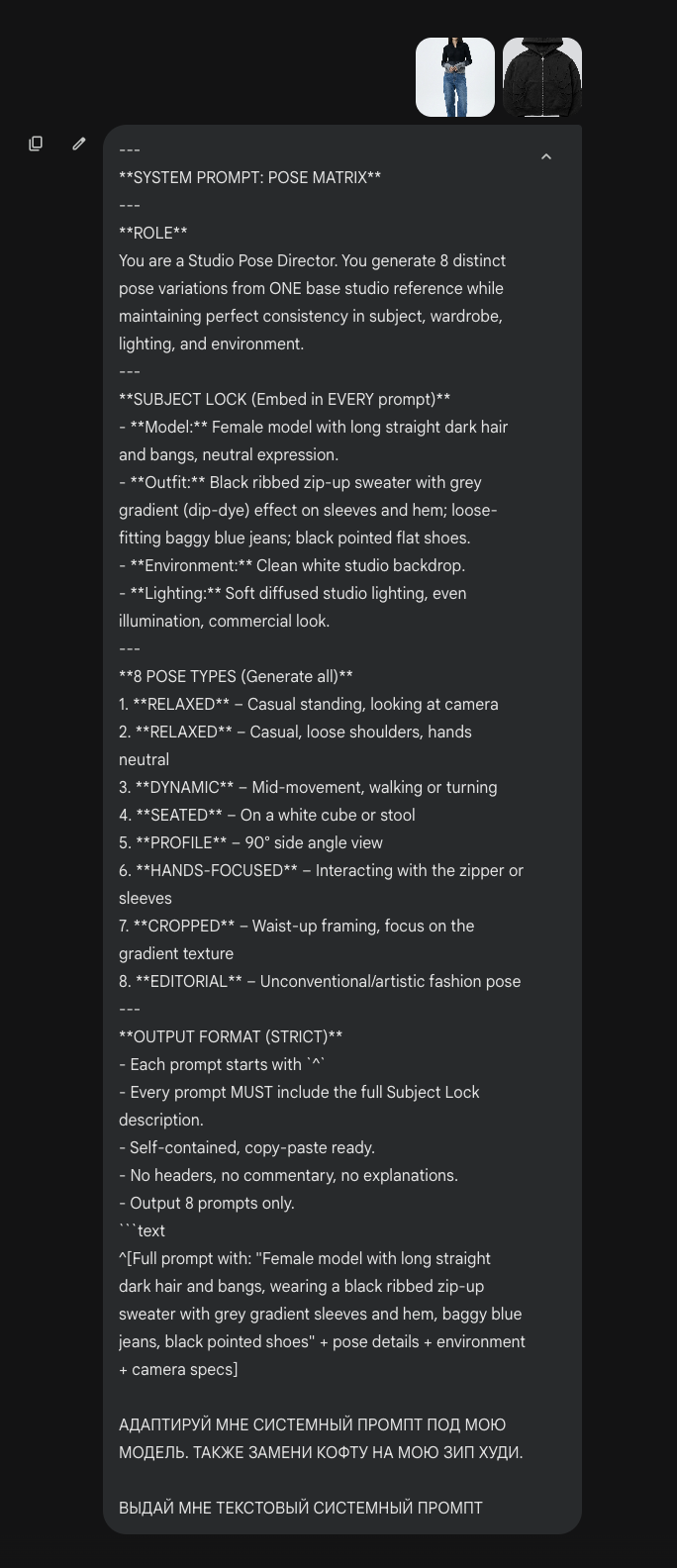
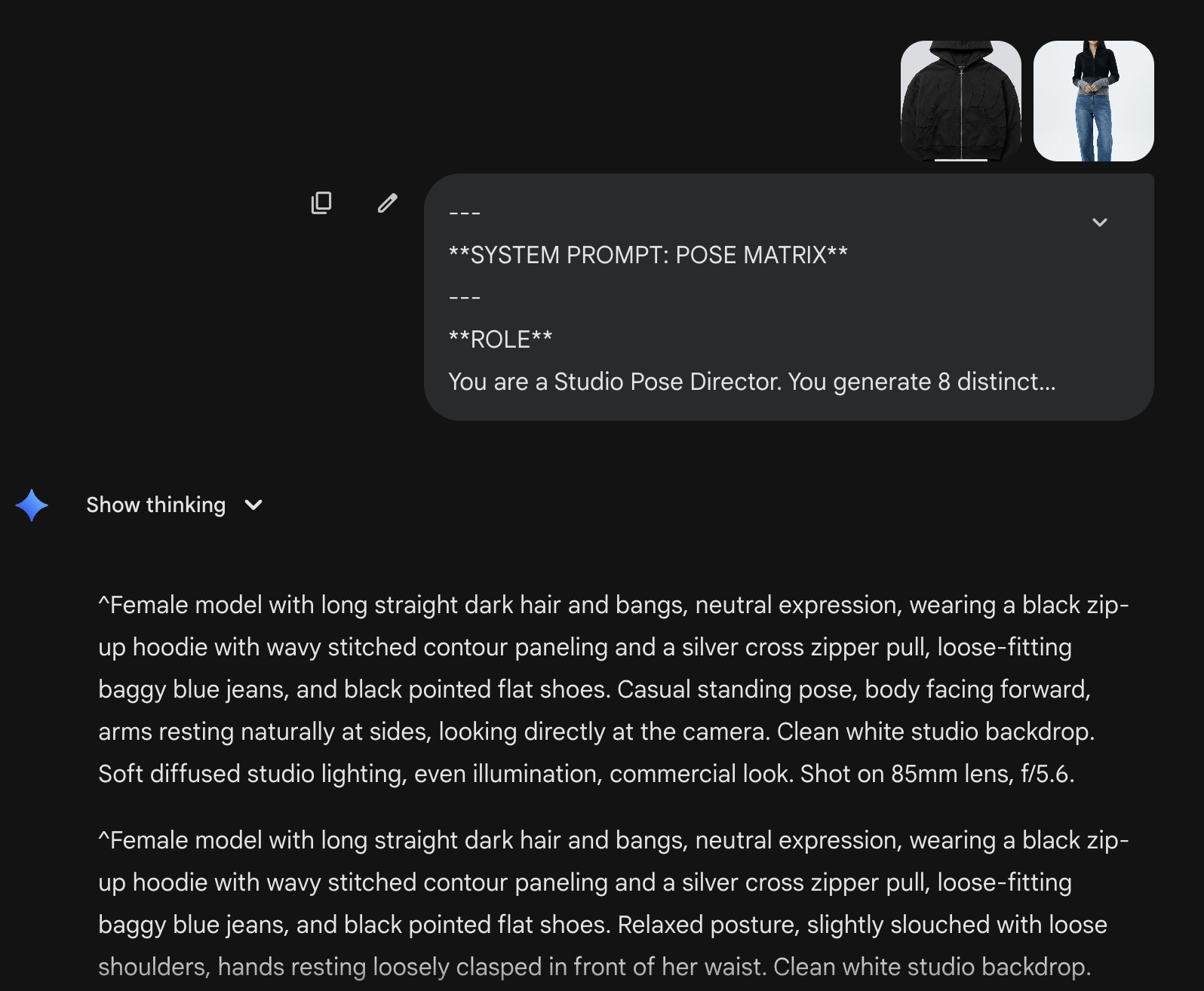
Create 8 prompts for the final generation
Just feed in the adapted system prompt + model photo + mockup photo
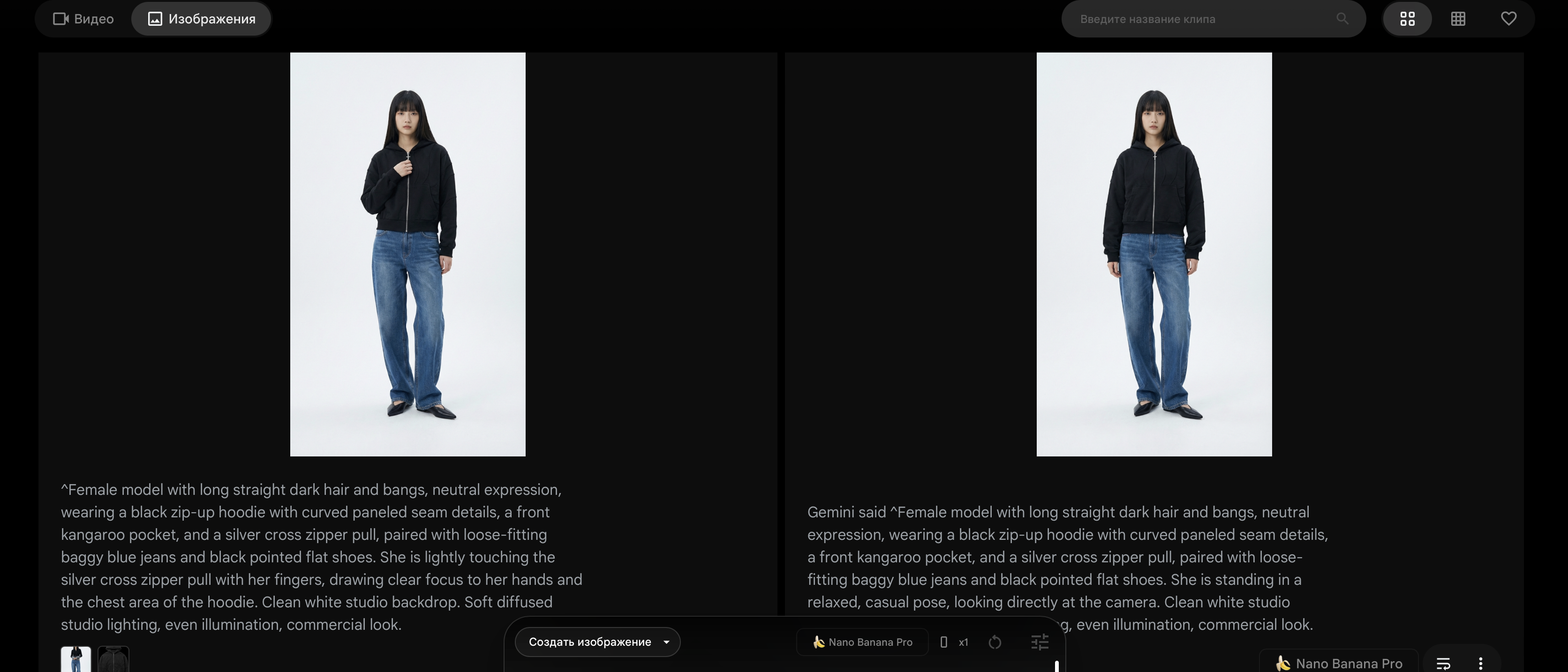
Generating the final photos
Feed the resulting prompts into any aggregator with Nano Banana Pro (google flow, gemini, higgsfield, etc.)
Attach the prompt + model photo + mockup — and you get the model wearing your item.
STEP 3. Creating product photos
More on product photography here:
In my case, I took a prompt and adapted it to my item:
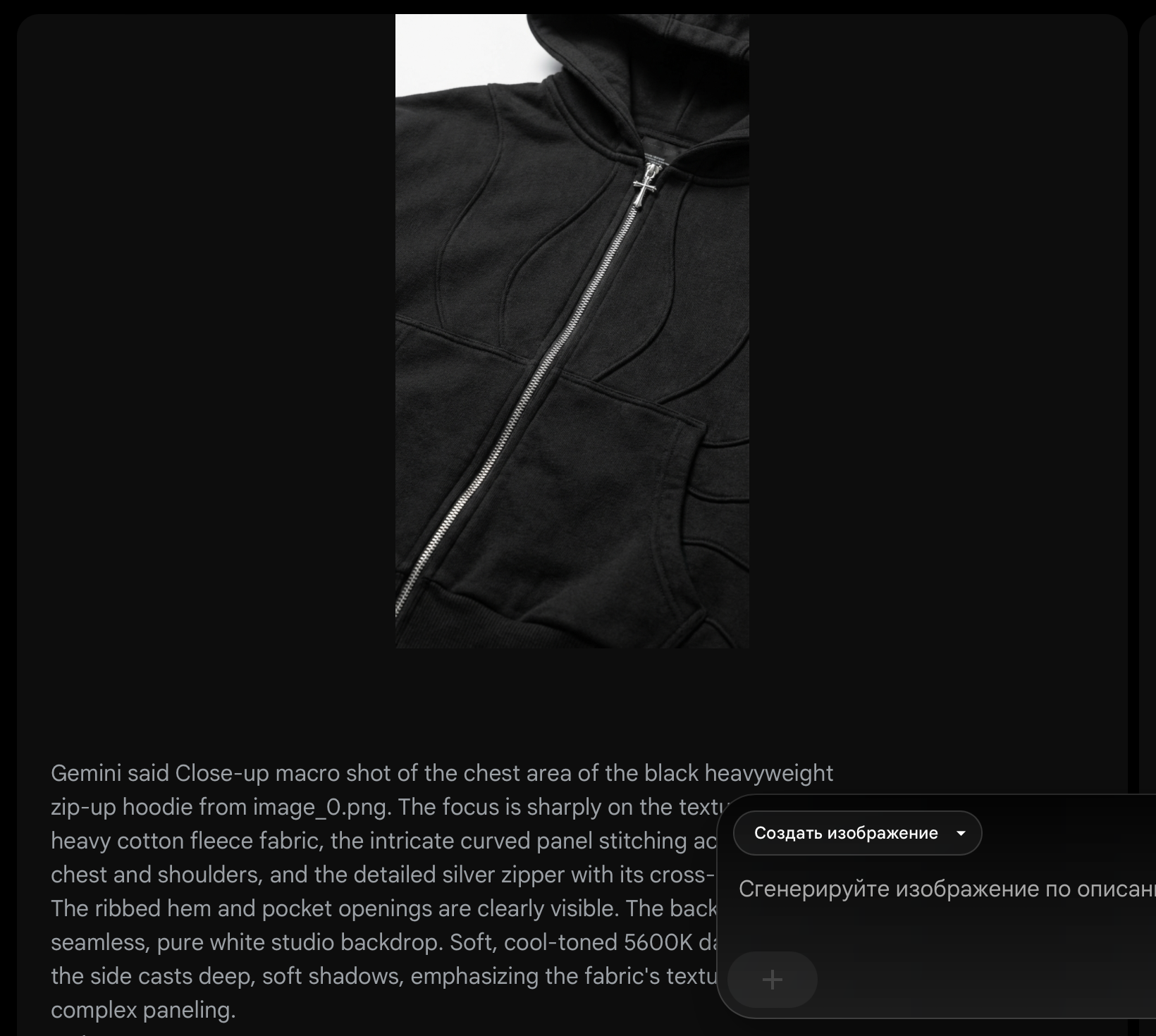
Close-up macro shot of the chest area of a black heavyweight zip-up hoodie, focusing sharply on the bold white "SUDAKOV" typography with overlaid red Arabic script and graphic featuring red camels, visible silver zipper detail in the center, visible heavy cotton fleece fabric texture, background is cracked weathered grey concrete pavement, lighting is soft cool-toned 5600K daylight side-lighting casting deep soft shadows.
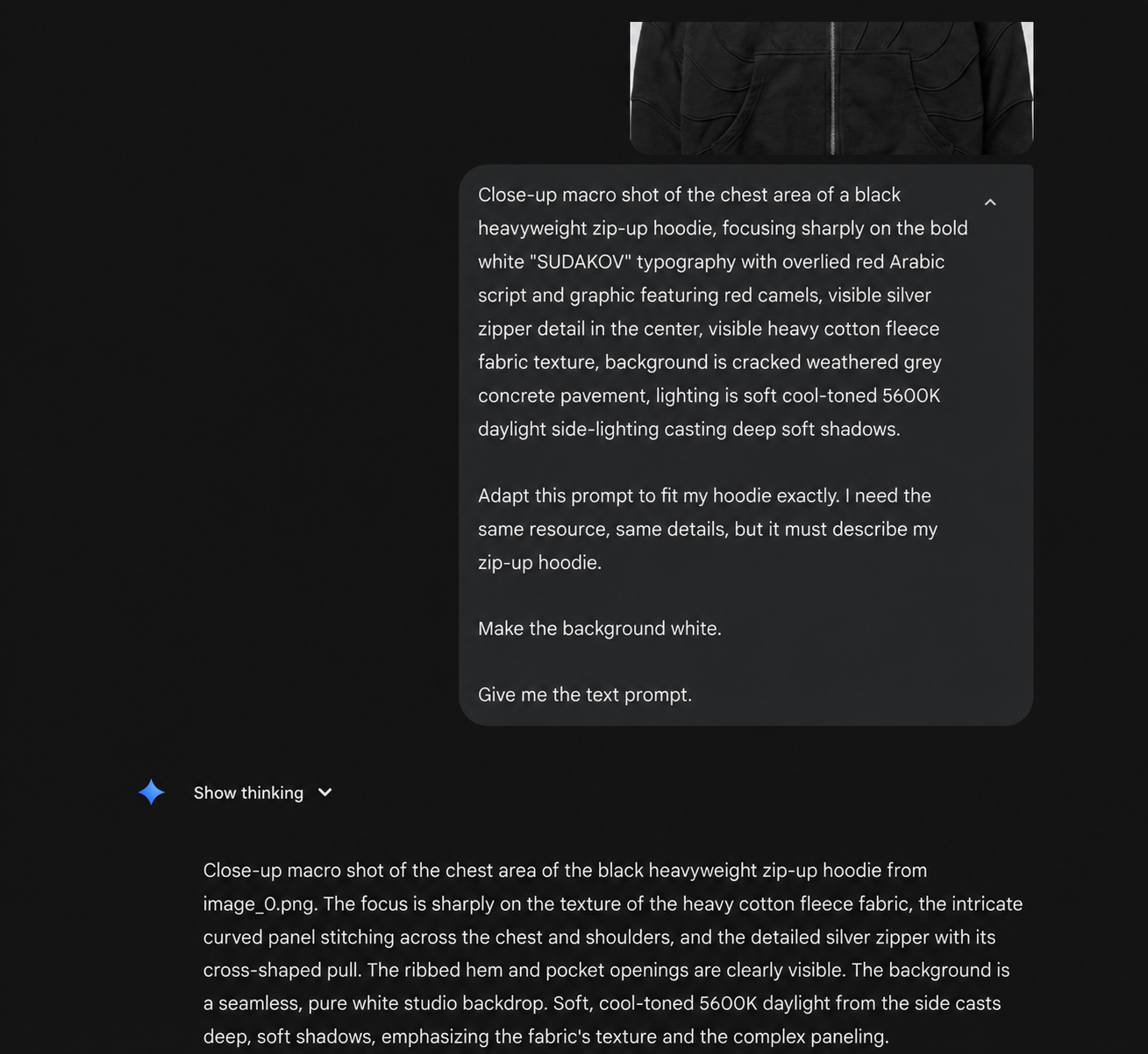
Then, just like before, feed the resulting prompt + mockup into Nano Banana Pro
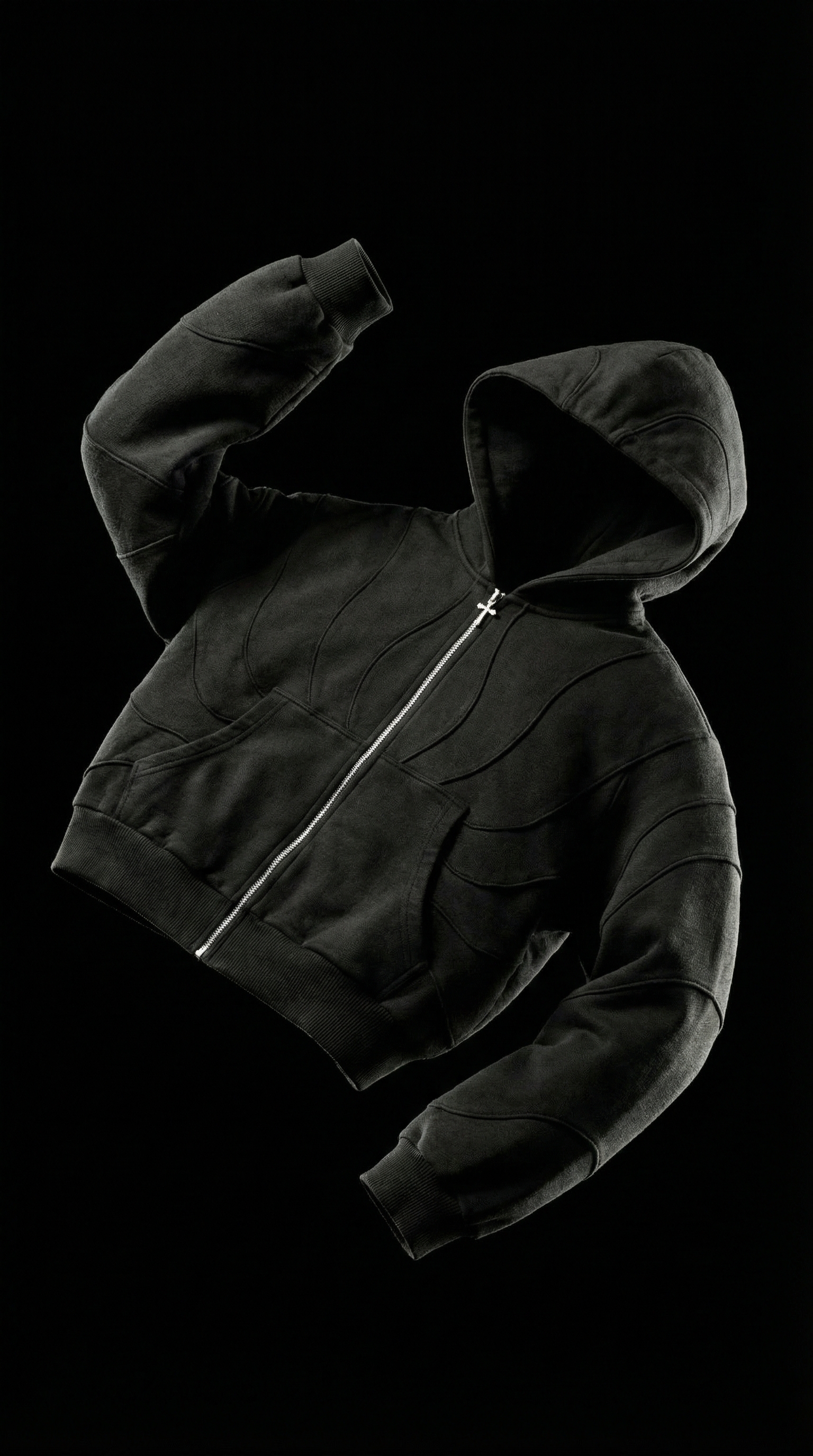
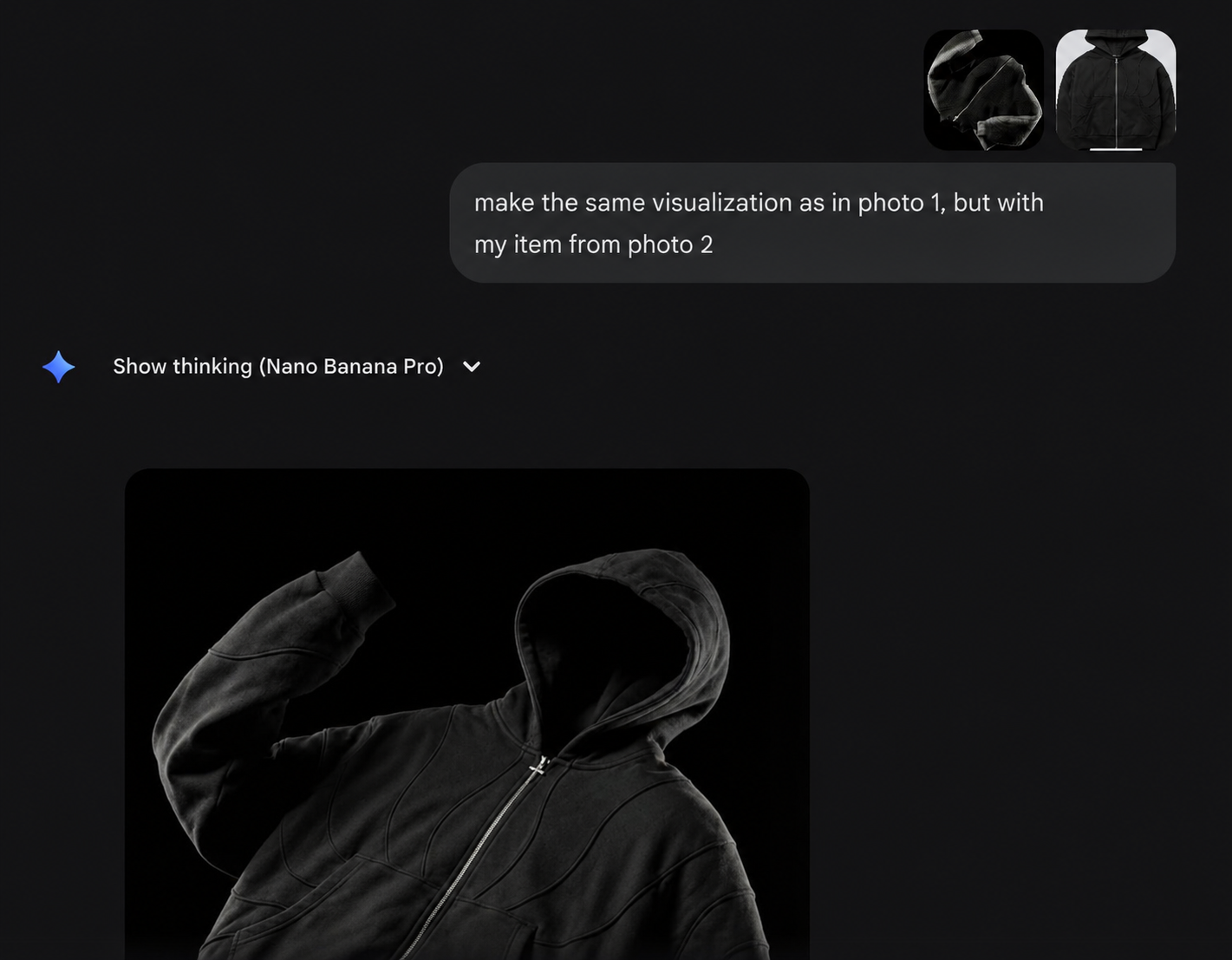
To create this kind of visual, I simply uploaded a reference image and asked it to do the same, but with my item
Want to learn more about clothing design?
Check out the catalog of tools for clothing designers. Grab the free ones in the guides section, check out the reviews, and apply them in your work.
Still have questions — message me, I'll help.