April 21, 2026
·2 min readAI Product Photography
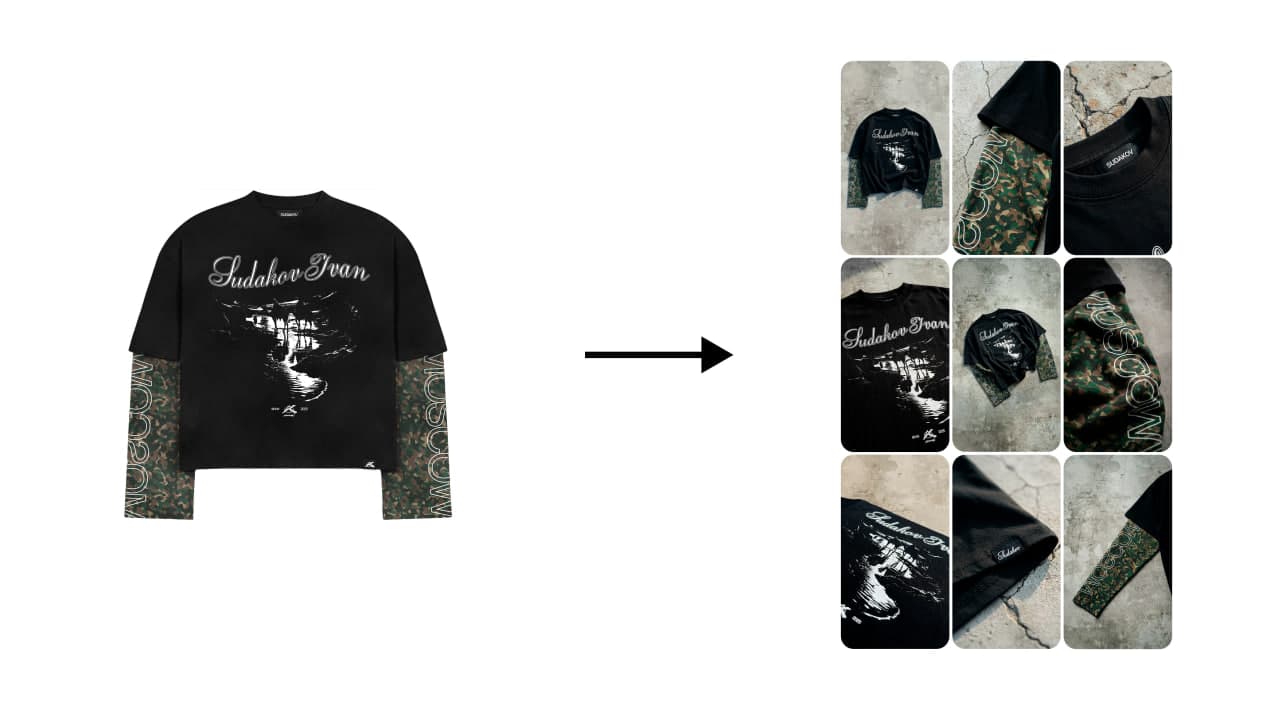
Add your mockup
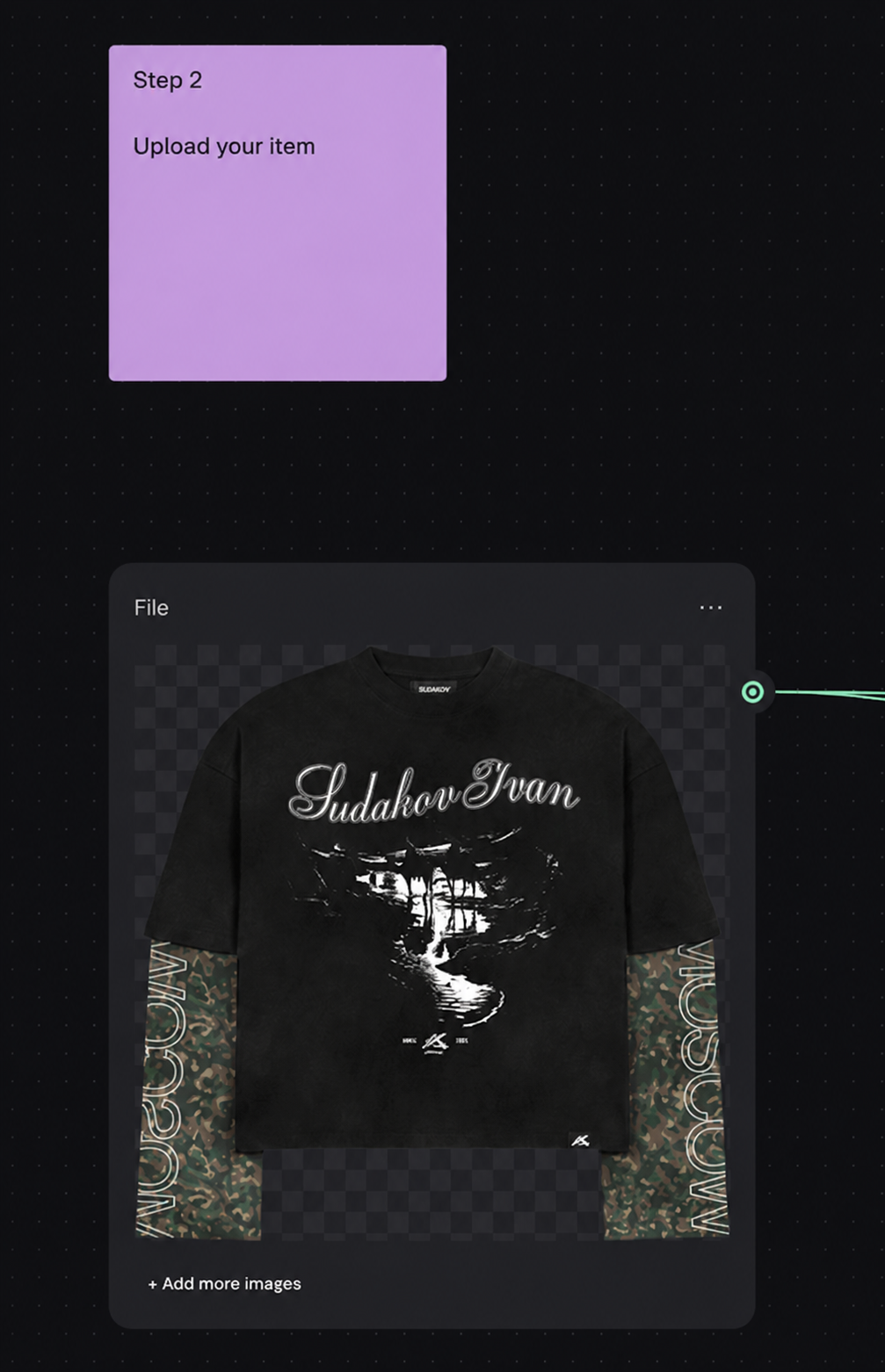
There are two ways to get a quality mockup:
Use a ready-made one — for example, I have a library of 150 mockups like this in 4K. You can add your own print, tags, details, and so on.
2. Create your own from scratch, like I did. If you have a complex garment, you won't find a ready-made mockup for it.
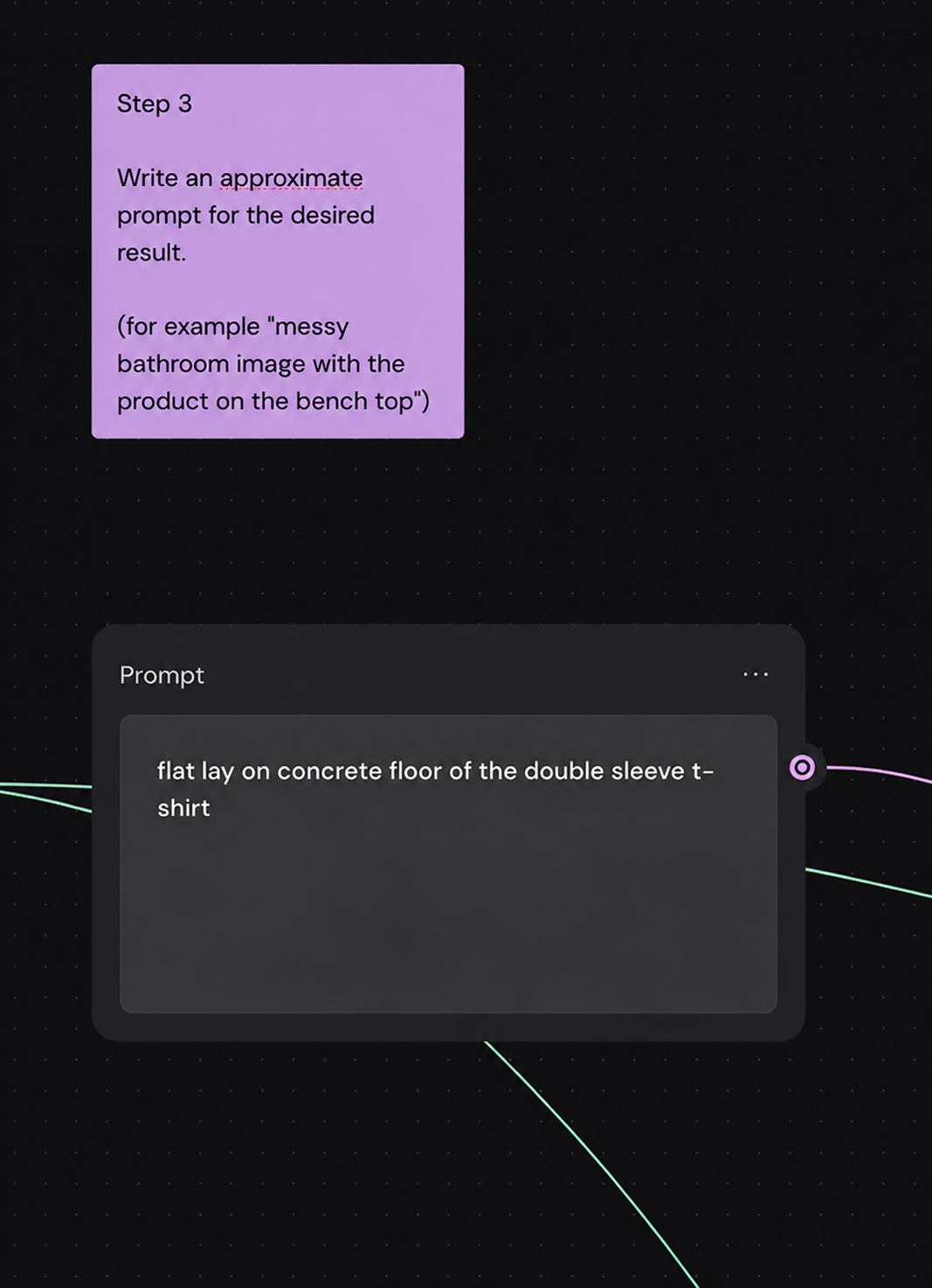
Also briefly describe the result you want
Add your references
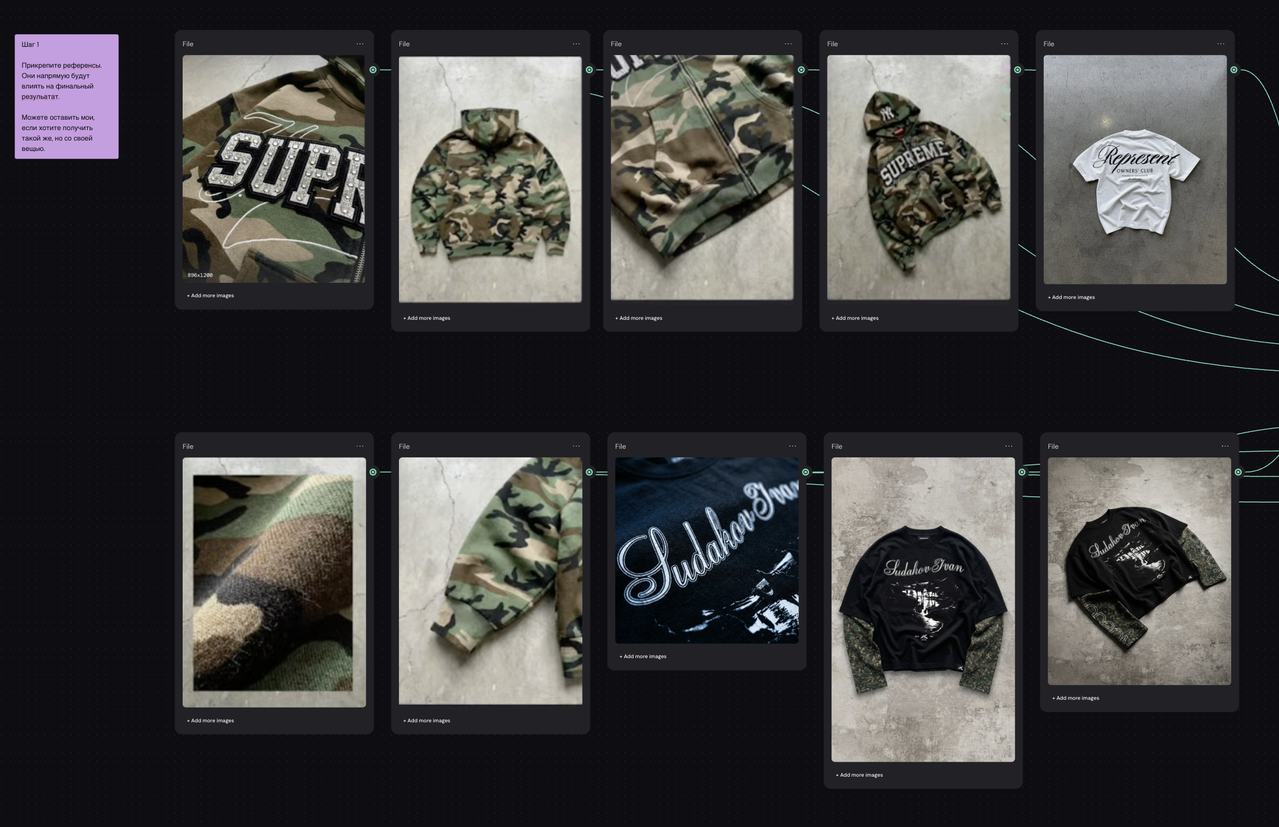
You can keep my references if you want to get roughly the same result.
Run the prompt part
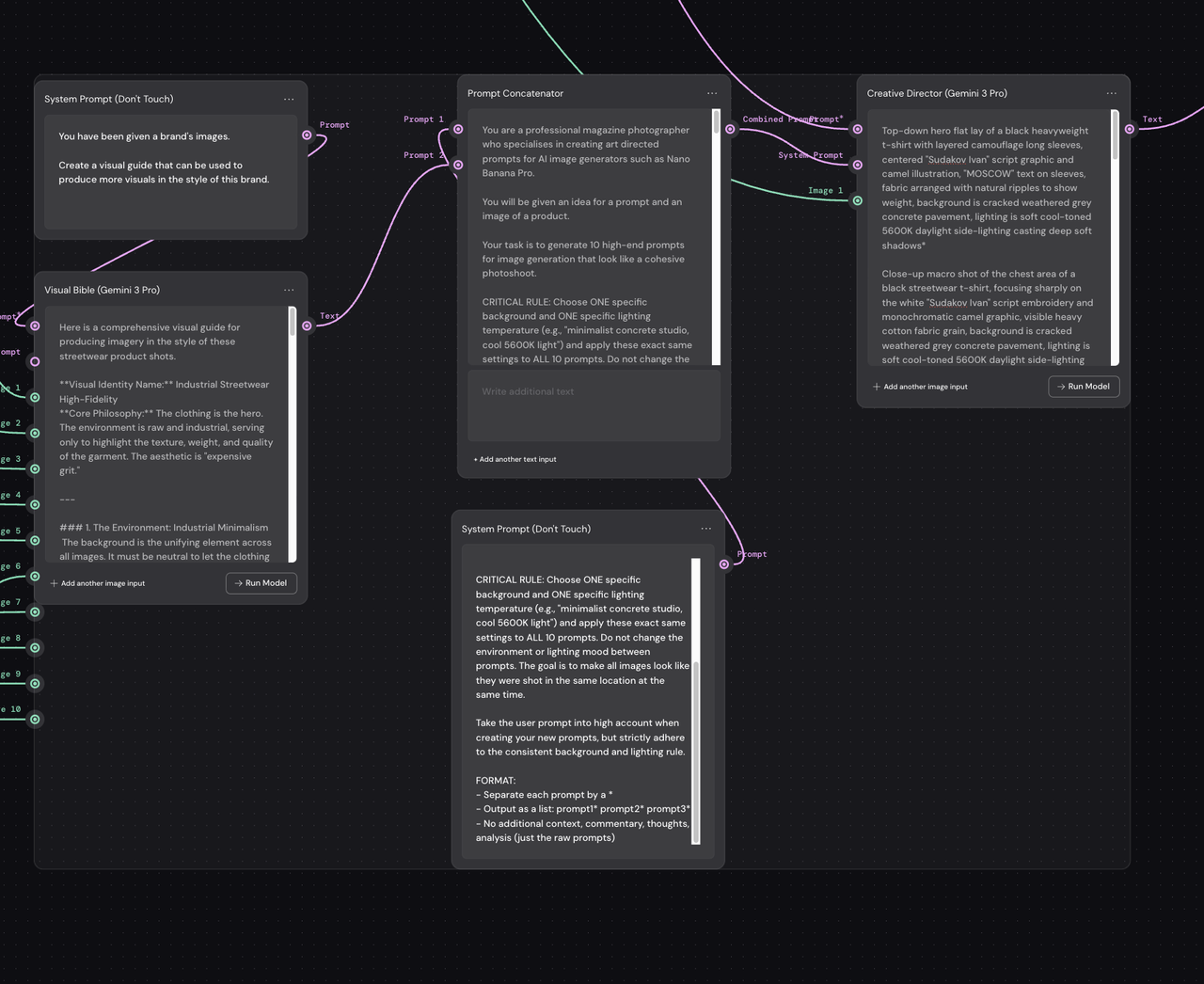
Then click Run selected in the bottom right.
Pick the prompts you like
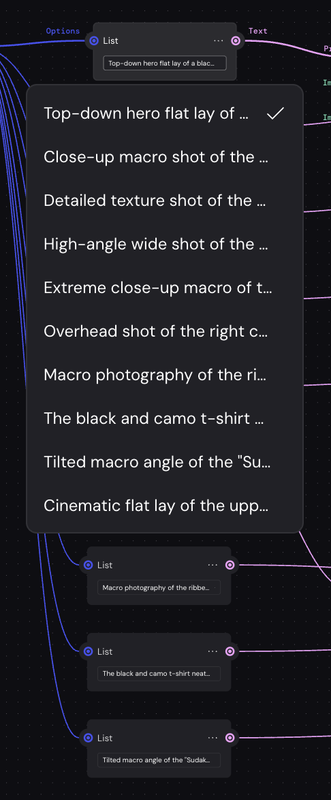
For each List, pick your own prompt; if you don't like the prompts, run the generation again — but keep in mind that the prompts are generated based on the references.
Run the generation
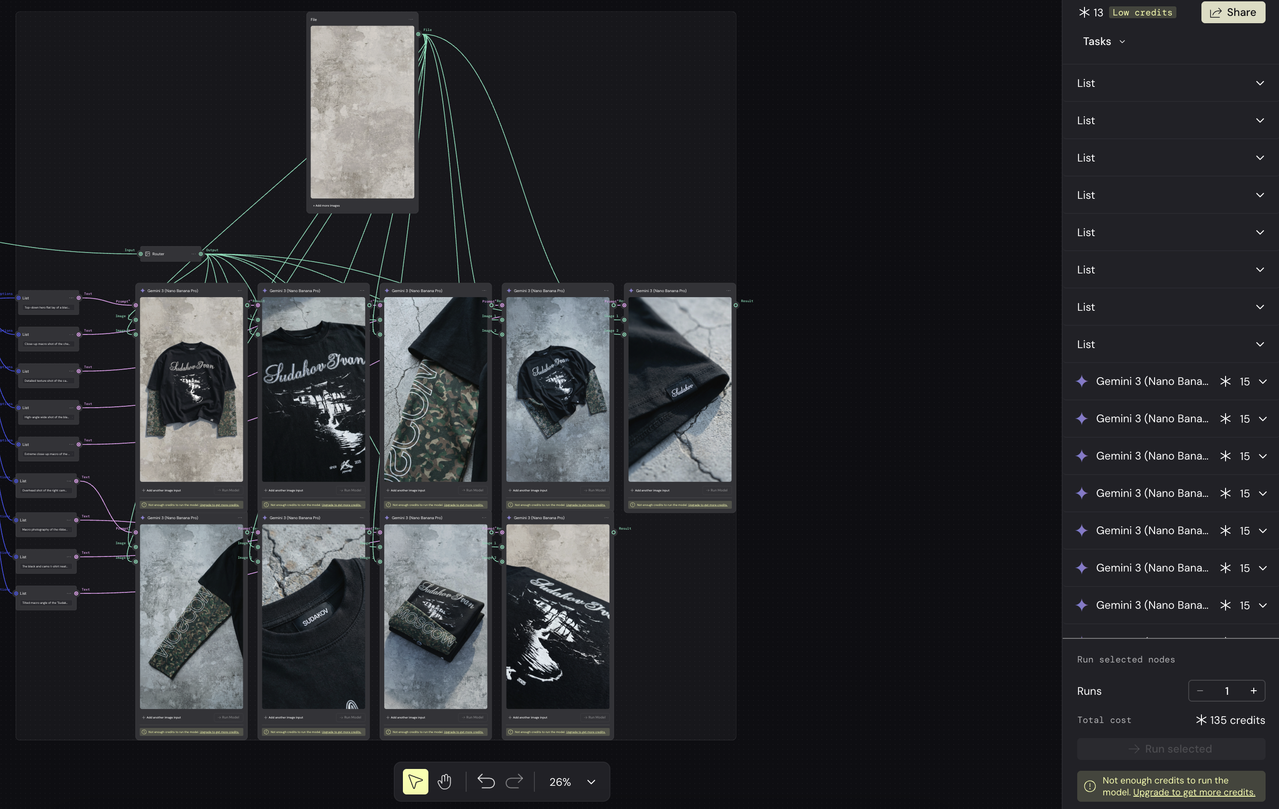
You can change the photo format and resolution.
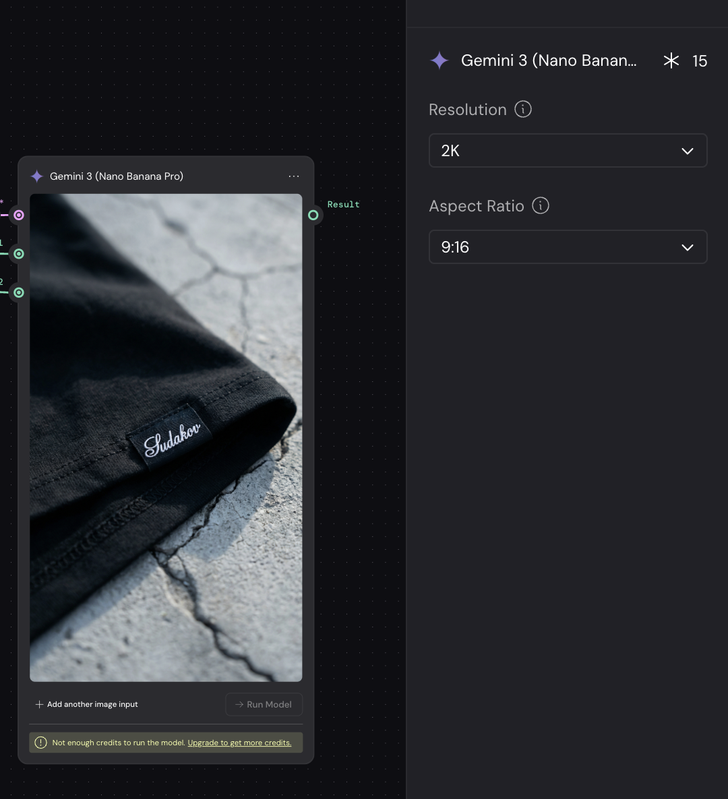
You can also change the background or remove it entirely, but if you remove it, there's a chance it will come out different in each photo.
Want to learn more about clothing design?
Check out the catalog of tools for clothing designers. Grab the free ones in the guides section, check out the reviews, and apply them in your work.
Still have questions — message me, I'll help.