April 15, 2026
·2 min readType FX
What is it and what's it for?
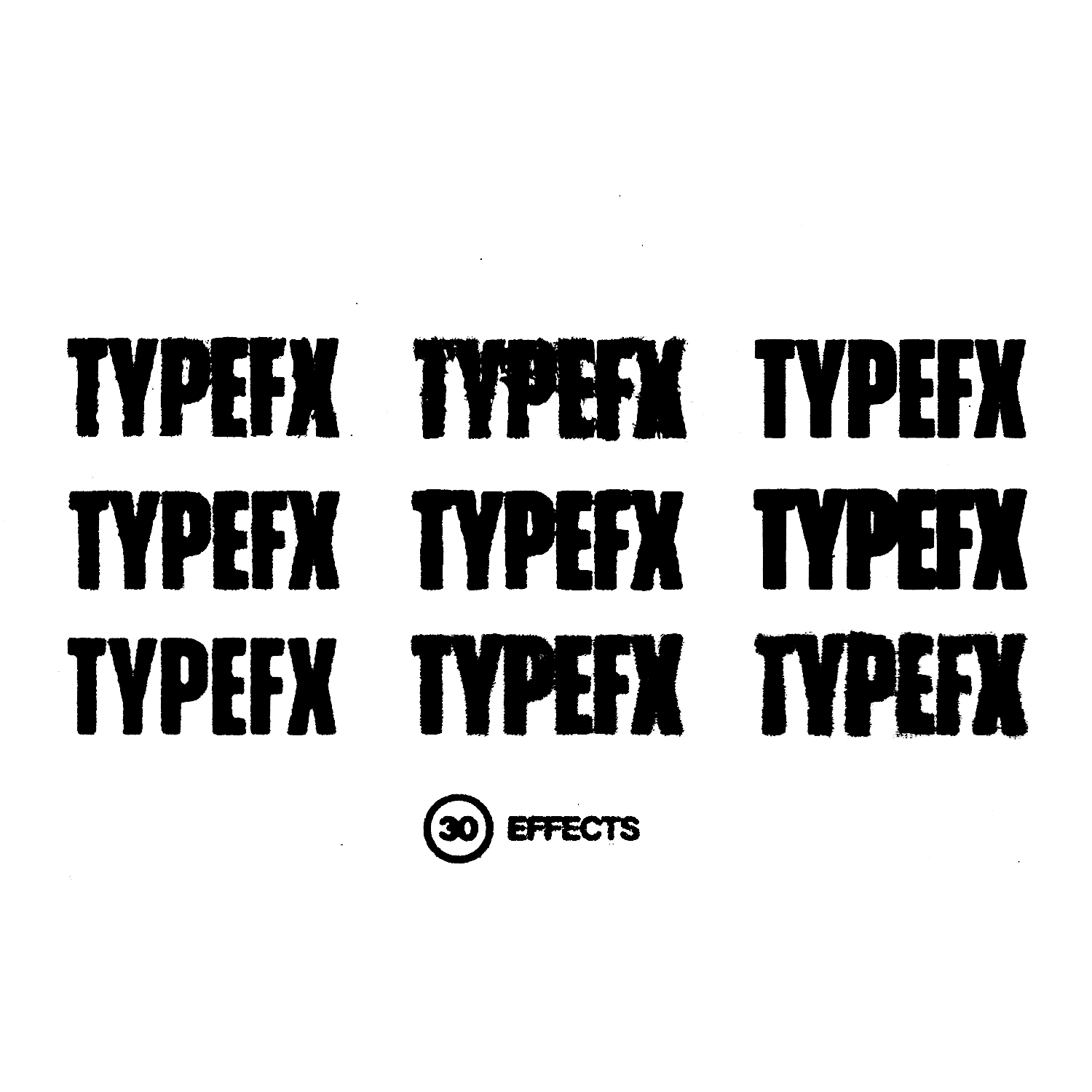
Type FX is a template for working with text and illustrations. Apply one of 30 effects, adjust the effect strength, and export the text or illustration to paste into your own work.
Fact: typography became even more popular and significant in design in 2025 compared to 2024, continuing to evolve and shape visual communication.
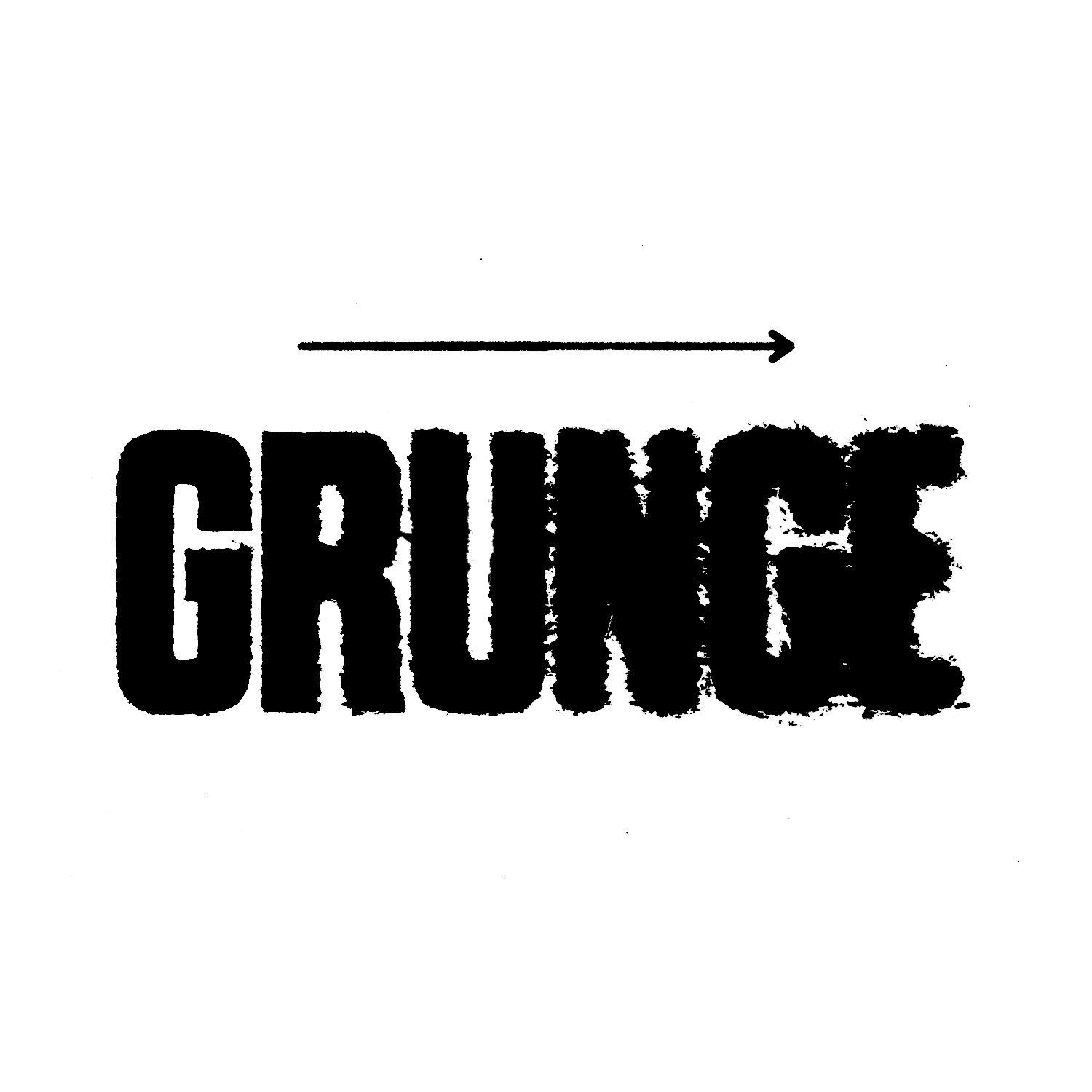
Love grunge design but don't know how to pull off the effects? With this tool you'll forget that problem exists.
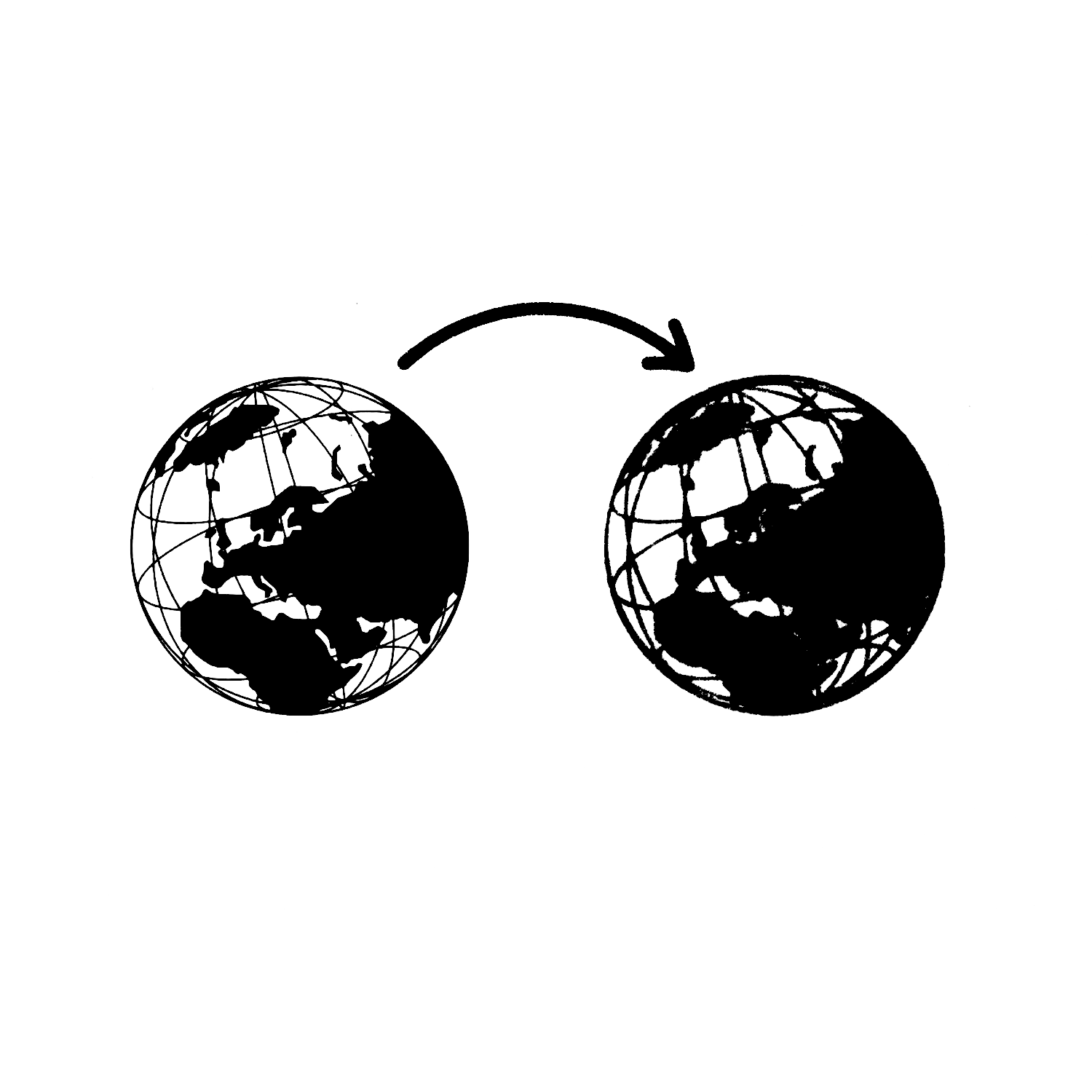
Example of working with illustrations
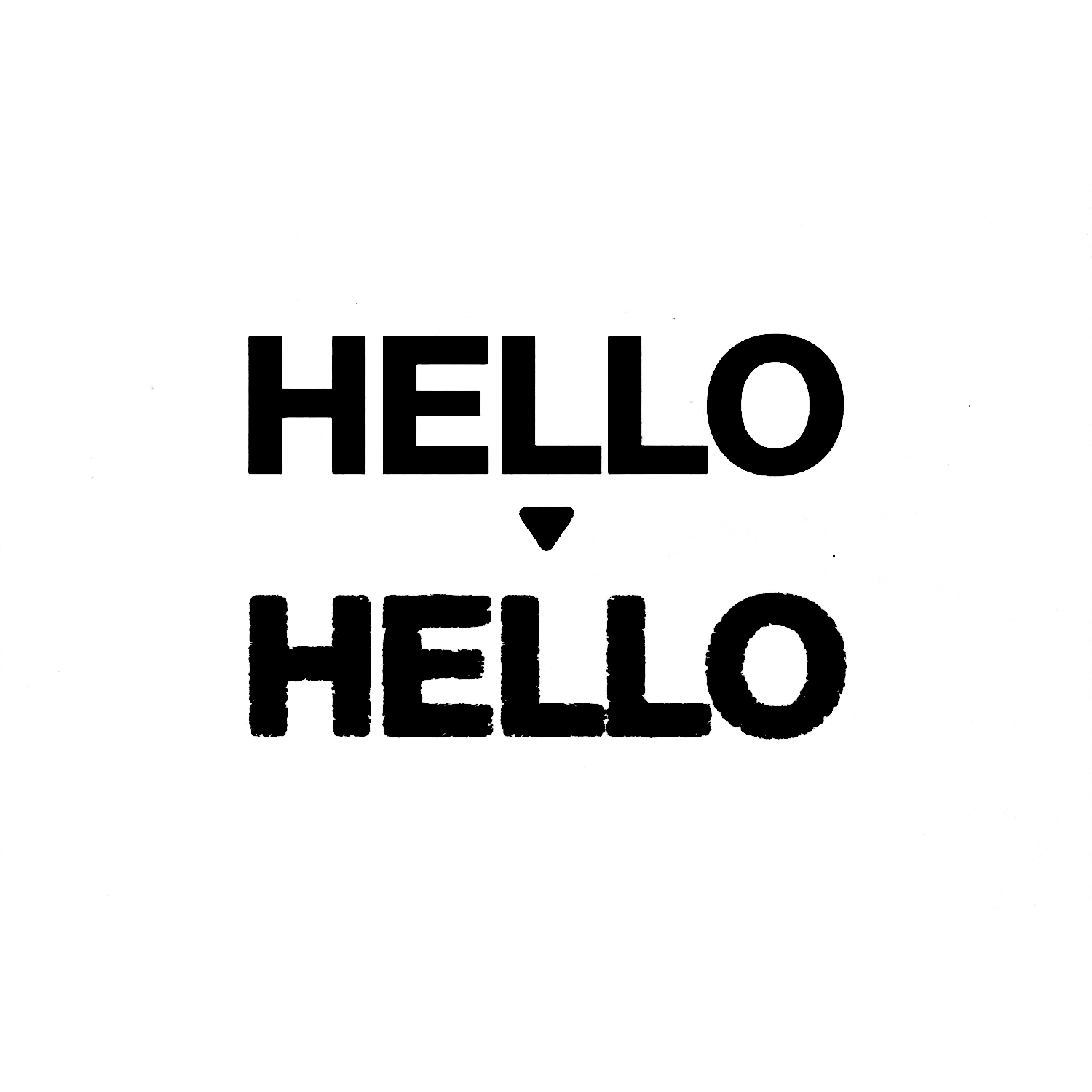
Example of working with text
What's in the set?
30 effects
30 textures
Effect strength control
Export function
Video guide included
PSD format
How does it work in practice?
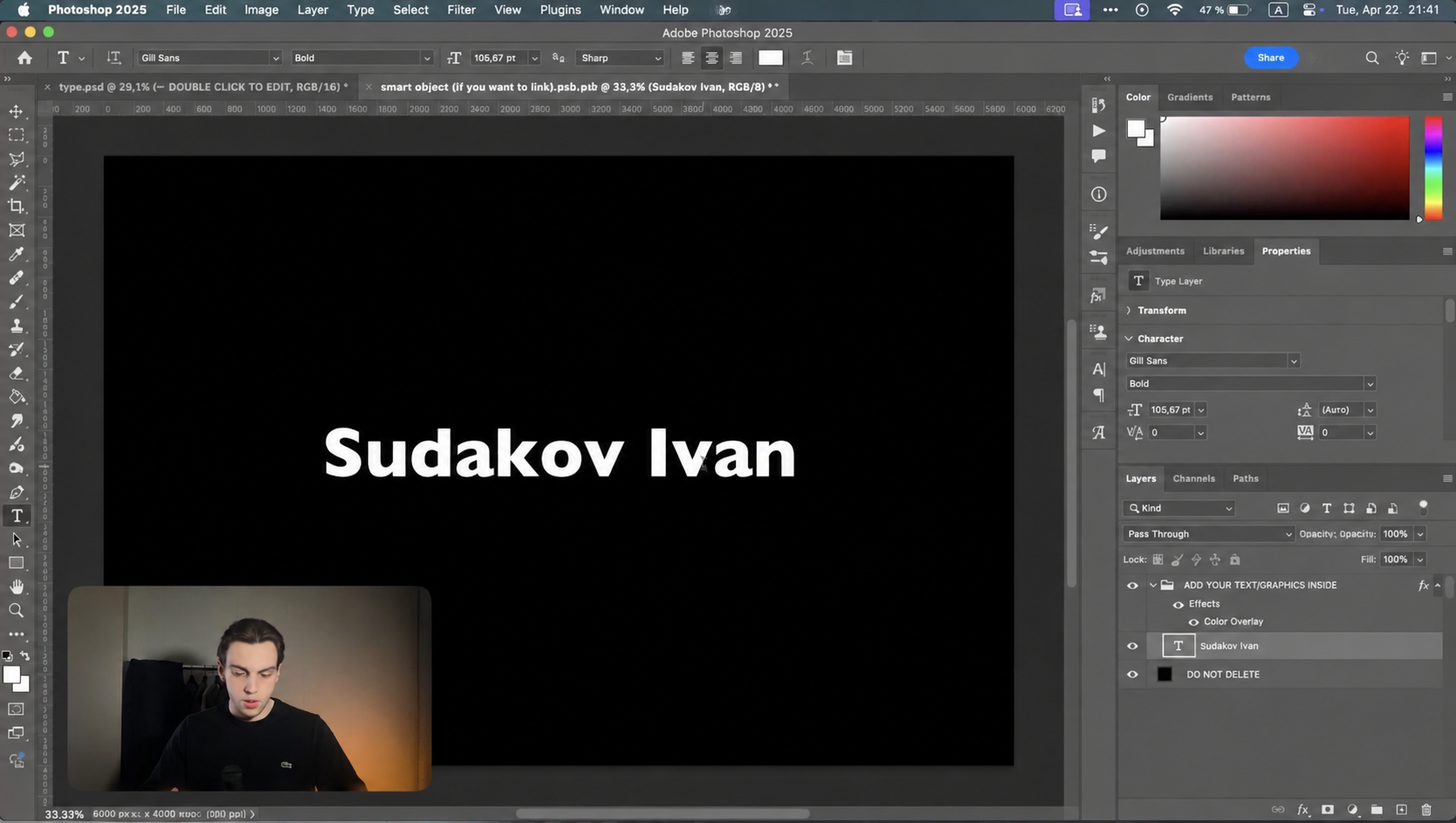
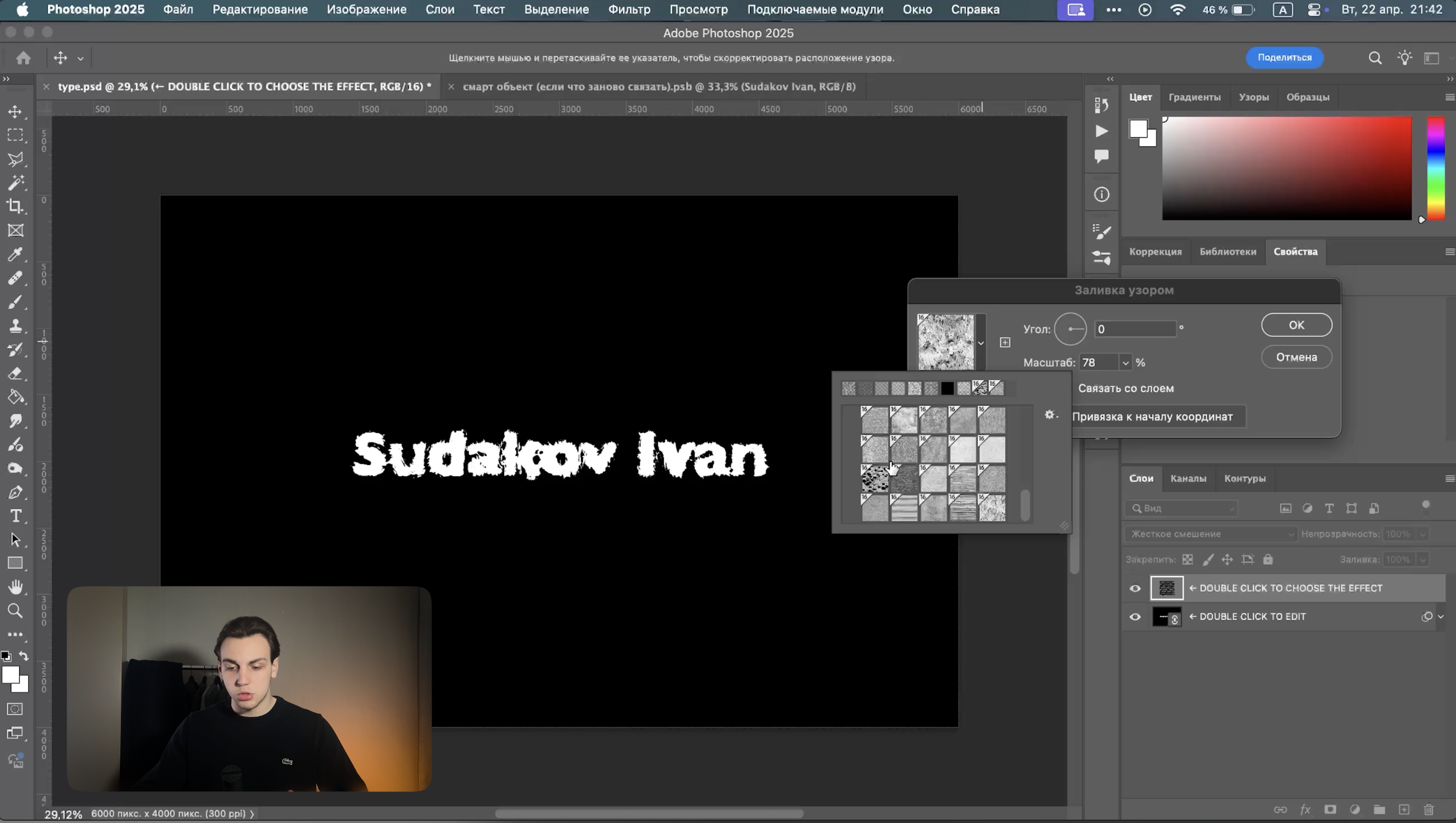
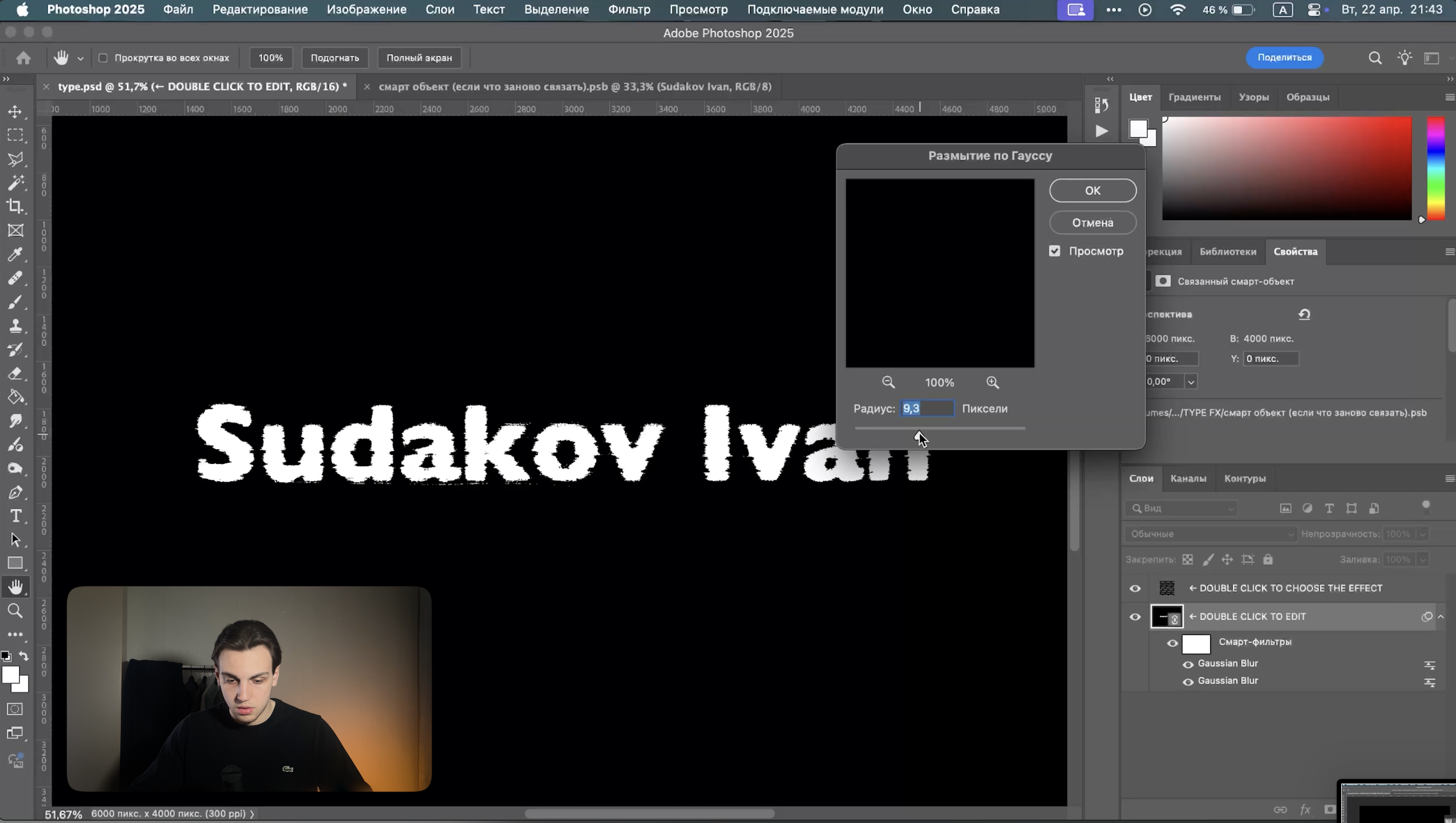
Open the template, then double-click the layer to enter the smart object. Inside the smart object, place your text/illustration, then save the smart object with Ctrl+S and return to the first document. Pick one of the thirty effects on the pattern layer — you can adjust the pattern's size using the Gaussian Blur filters applied to the object layer.
Once you're done with the effect, export the object using the export action that comes bundled with the set.
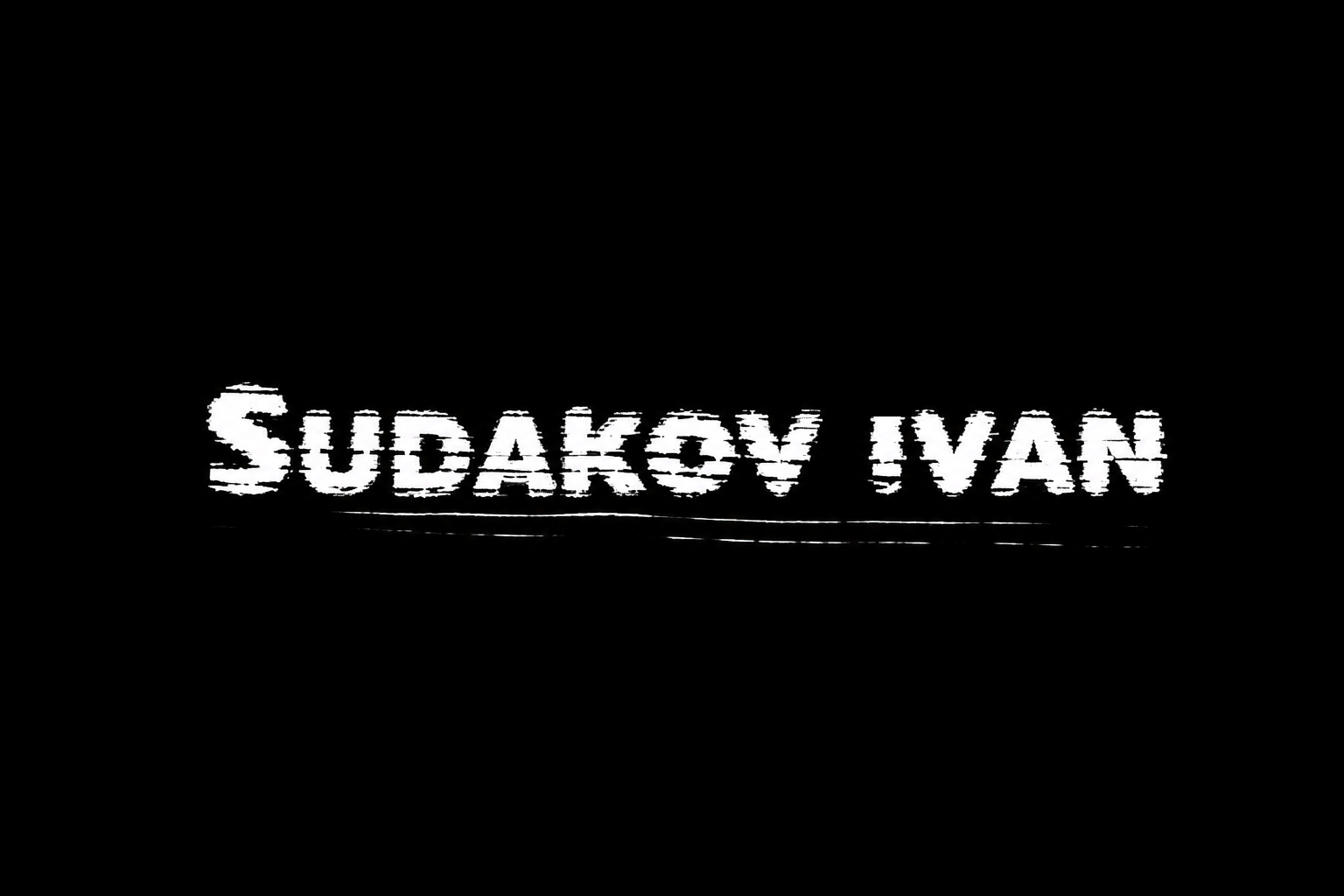
At the end you can apply a texture and recolor the text/illustration, if needed.
Watch the full video review on the channel. If you still have questions, feel free to ask me.