April 15, 2026
·2 min readDistress FX
What is it and what's it for?
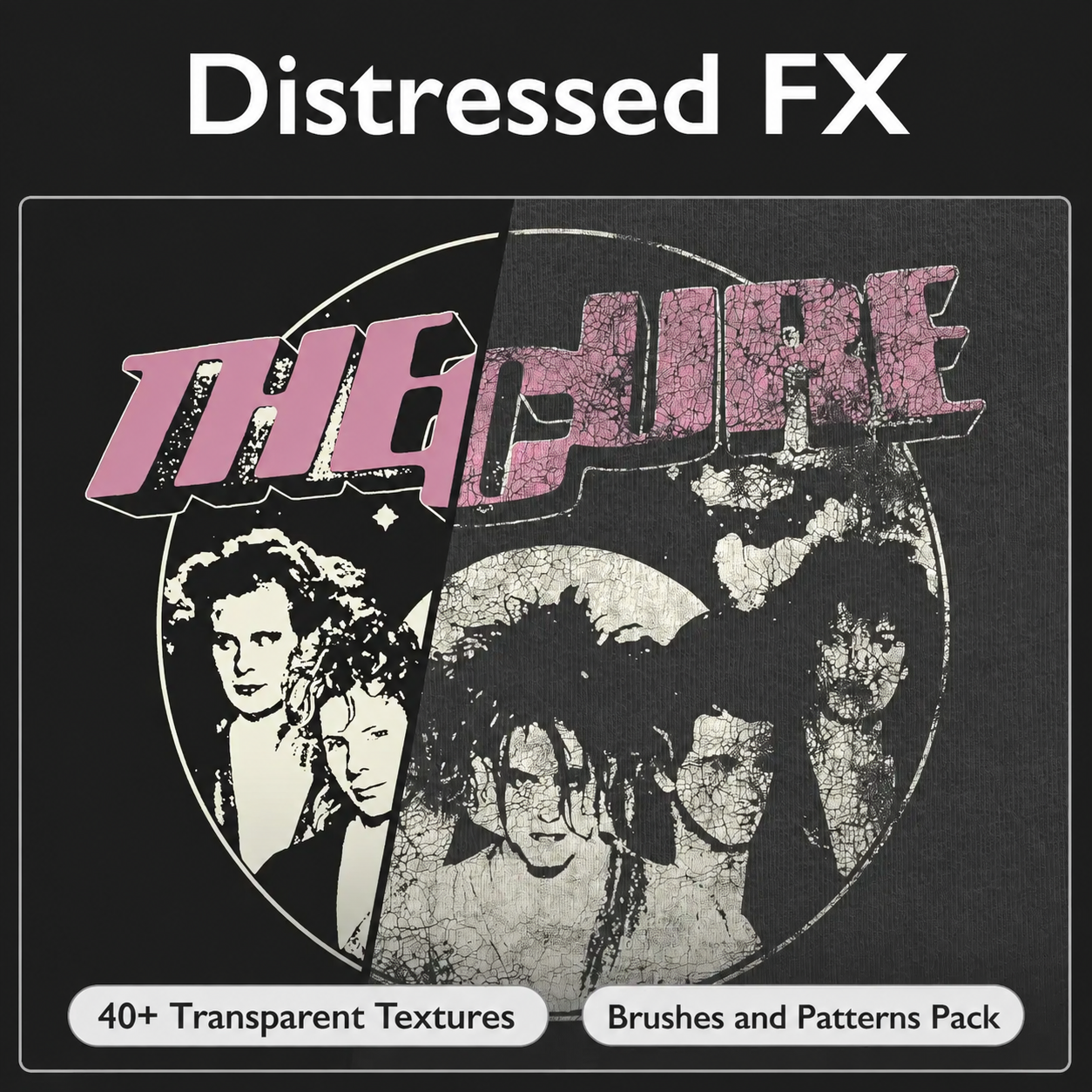
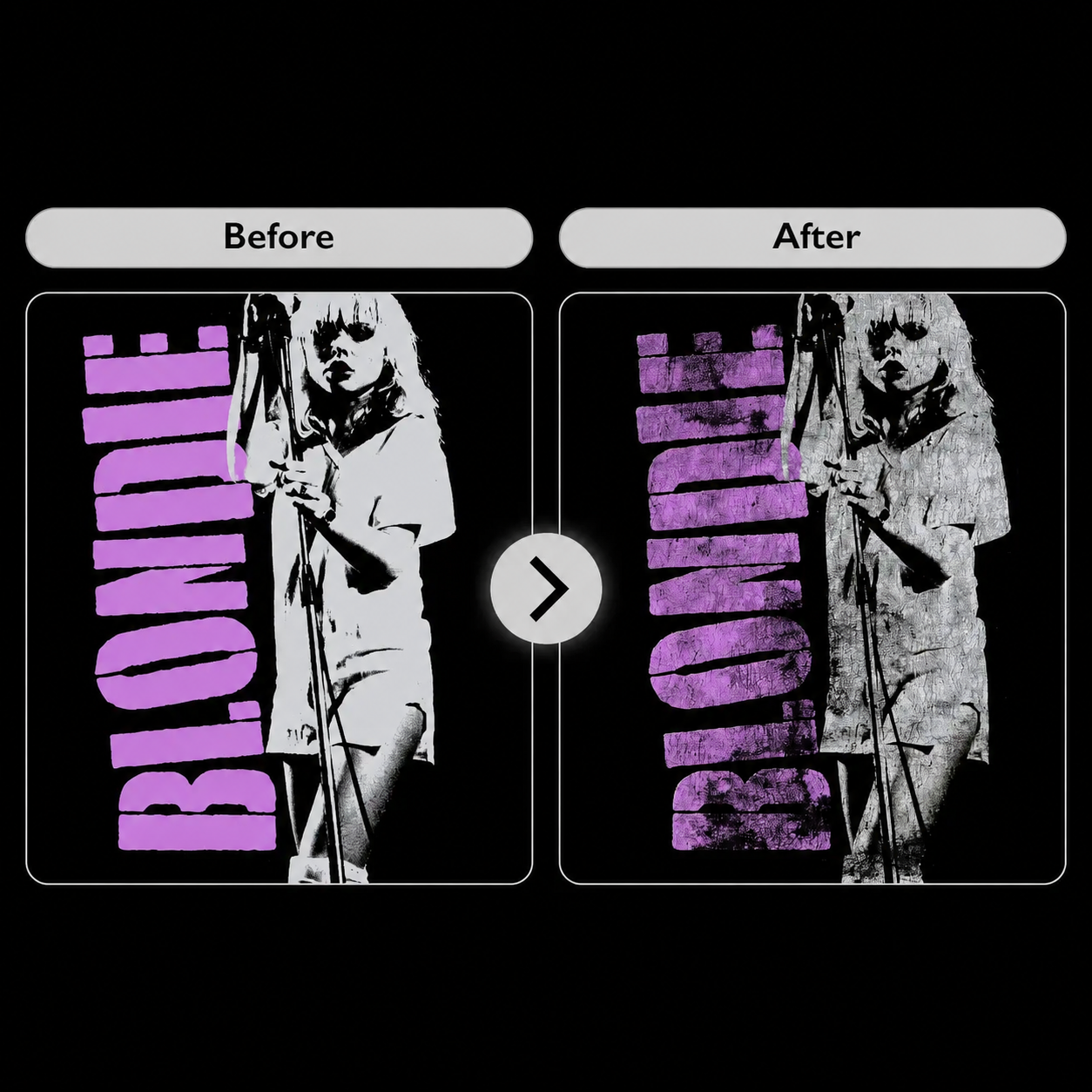
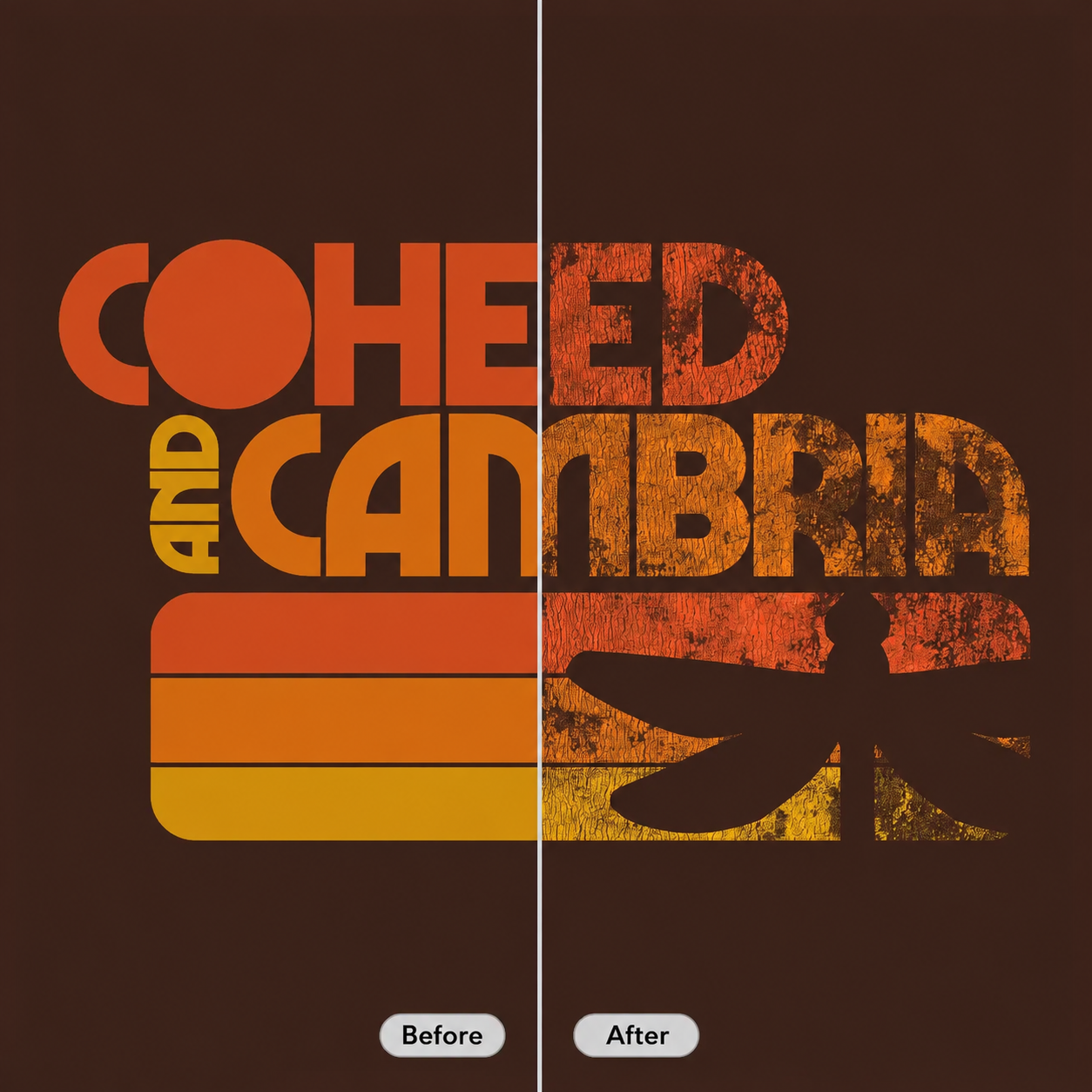
Distress FX is a professional set of Photoshop textures that lets you create a cracked, aged print effect in just a few minutes.
Fact: In the clothing industry the vintage effect has long become the norm, but achieving a natural worn-out look without the right textures is hard.
Distress FX helps create realistic prints in vintage, grunge, and streetwear styles — strengthening brand perception and how your collections come across.
What's in the set?
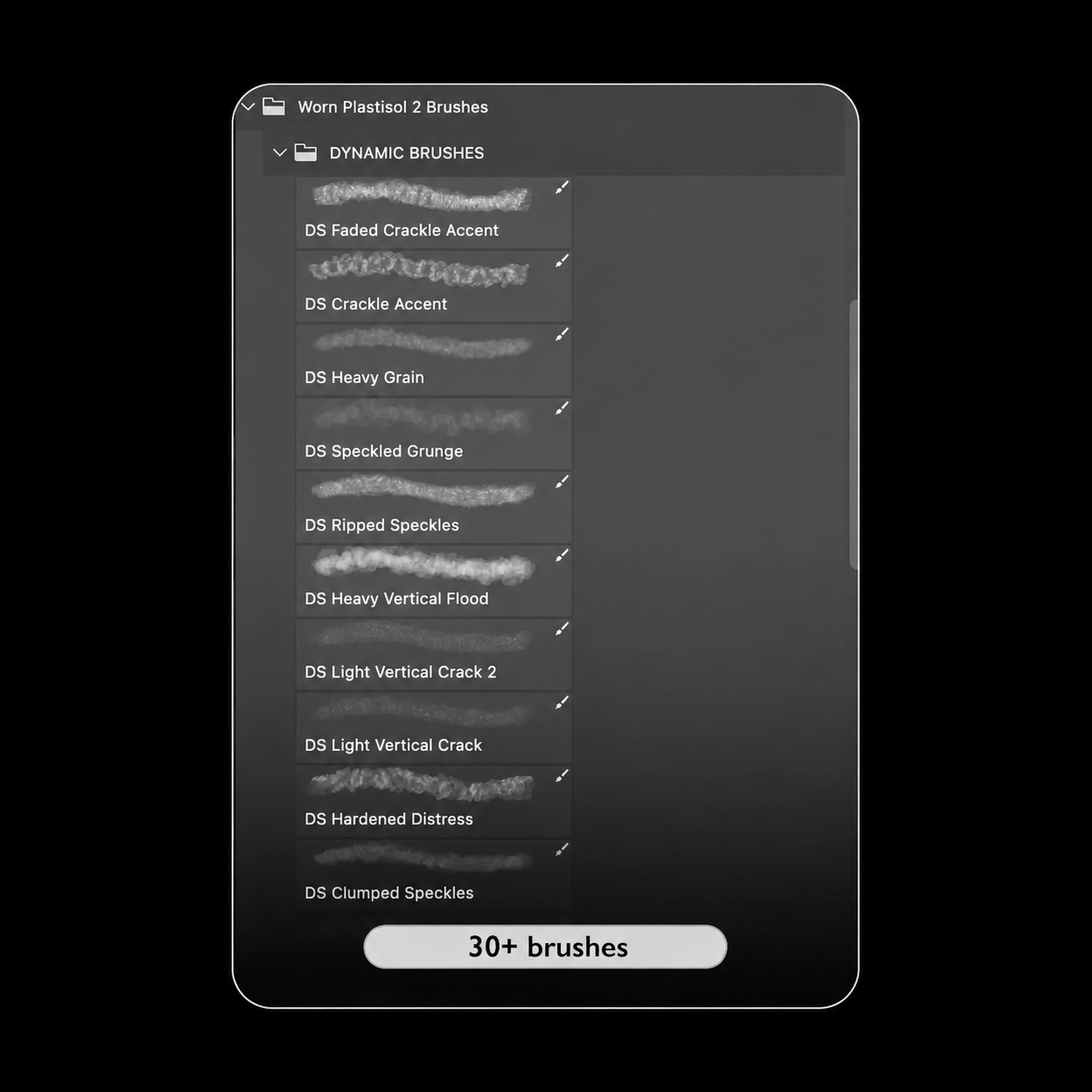
- 147 textures
- 34 brushes
- 15 patterns
- Resolution up to 5000x7000 px
- Real texture scans
- Vintage effect in a couple of clicks
How does it work in practice?
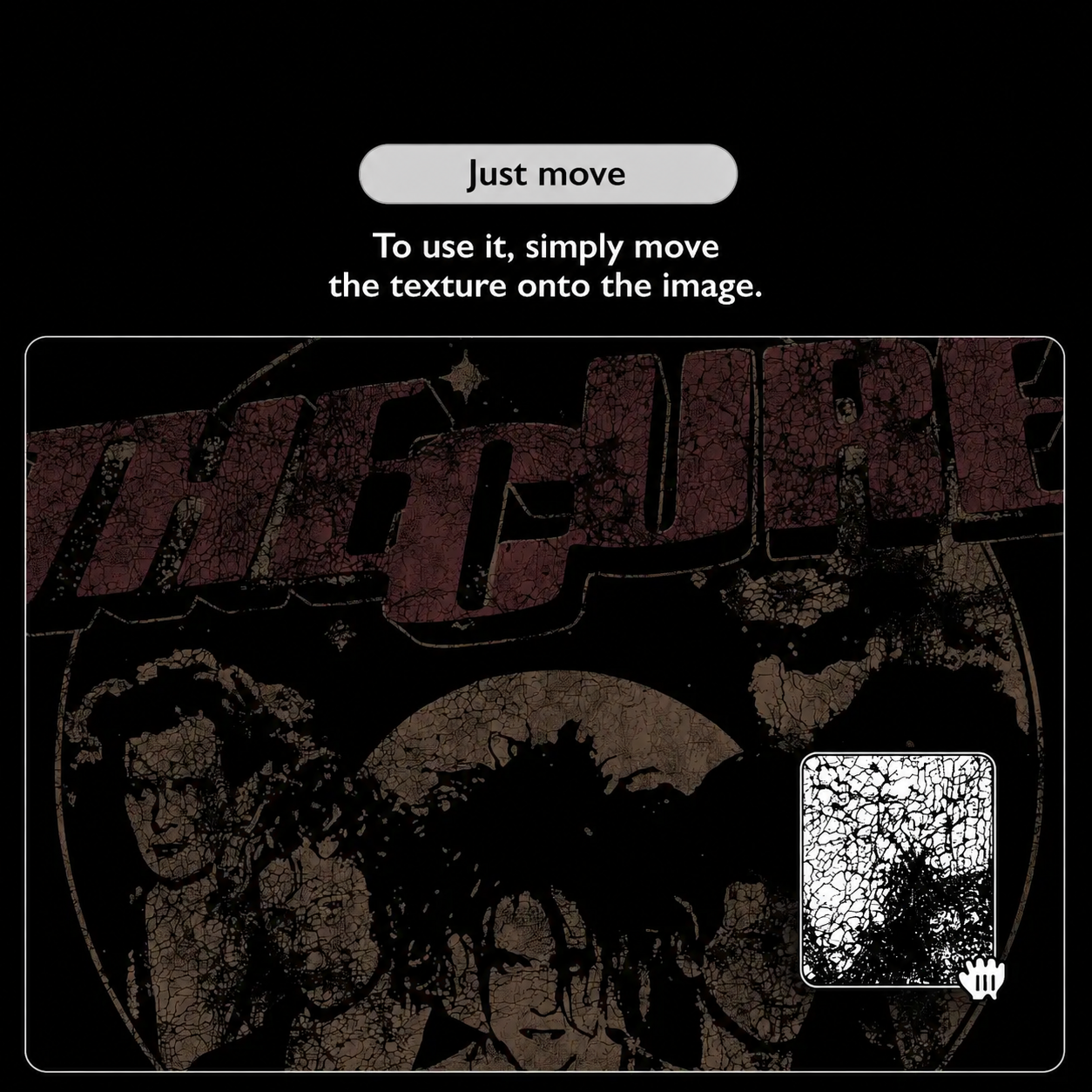
Create a document and drop your design into it. You can add texture in three ways:
Via the PNG texture file. Overlay the texture on the design, scale it as needed, then Ctrl+click on the texture layer, create a mask on the design layer, and invert it if needed.
Via brushes. Create a mask on the design layer, then pick the brush you need and paint in black on the mask. You can change the texture scale in the brush settings.
Via a pattern layer. Create a layer with the texture you need, then select the black color with the magic wand and create a mask on the design layer, inverting it if needed.
Watch the full video review on the channel. If you still have questions, feel free to ask me.